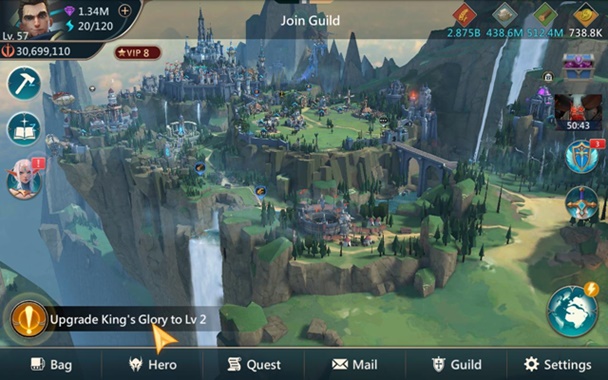
Mobile Royale is IGG’s contribution to the world of fantasy games. As the name suggests, this game is all about battling it out with the enemies. The fight between the good and the evil is on once again. Mobile Royale is calling all the strategy and RPG lovers to come and rescue those in need. In this guide, we will learn how to download Mobile Royale for PC. Before we install Mobile Royale for PC, let us take a look at a brief overview of this game.
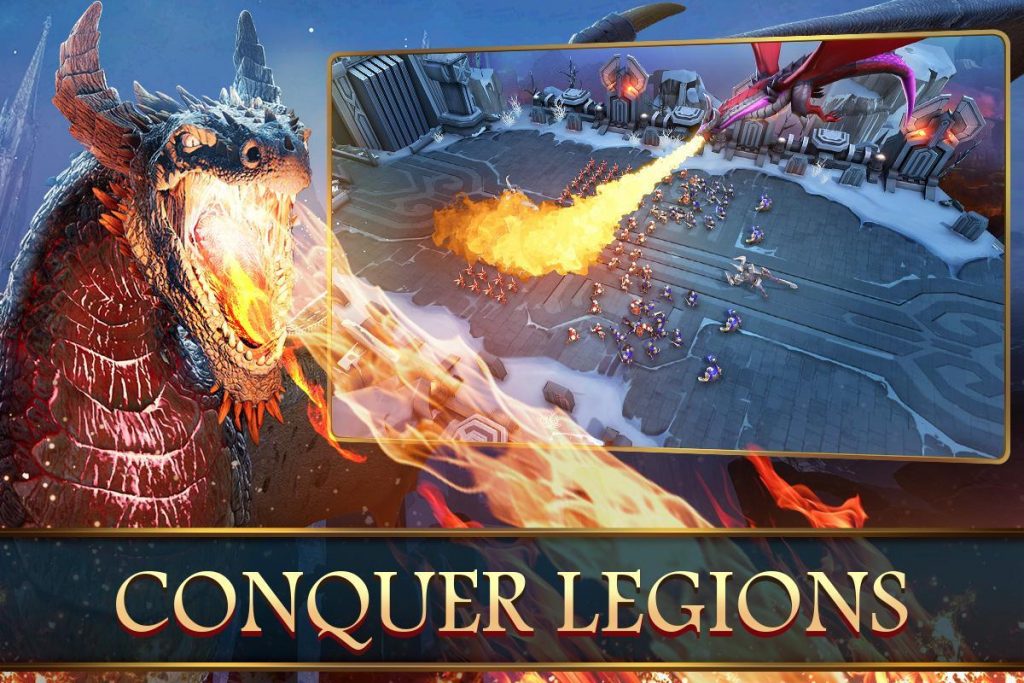
Mobile Royale – Overview
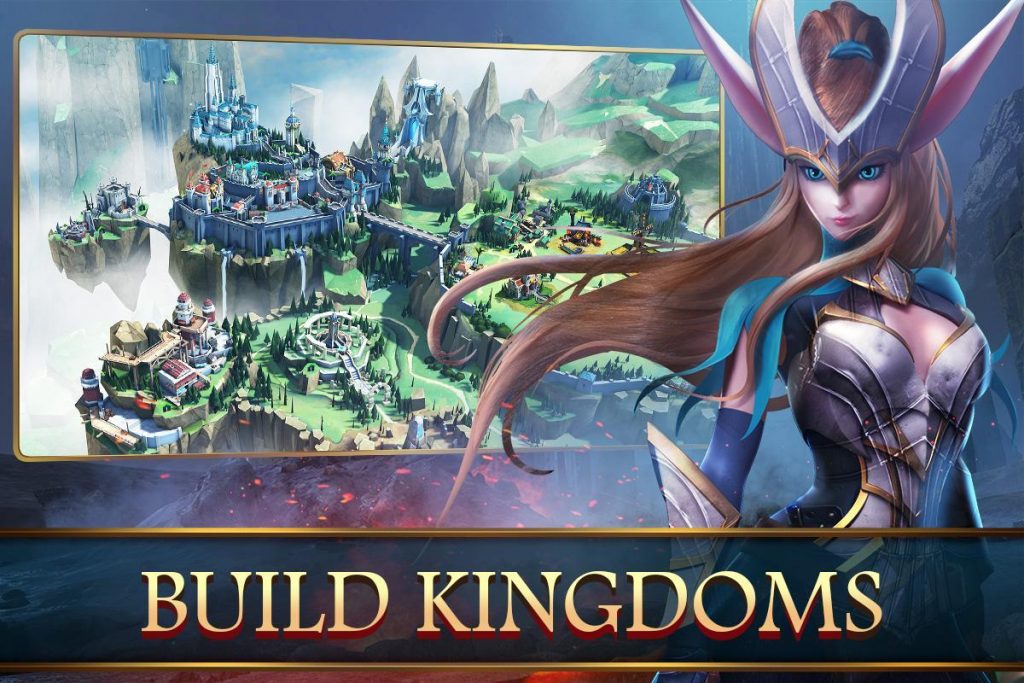
The game Mobile Royale is about online strategy battles. This game has an immersive gameplay. The moment the game starts off, you start all alone. You have to go ahead and start looking for resources to build your regime. In Mobile Royale, players are urged to develop their city. Besides developing the city, they have to establish a whole lifecycle for the citiziens. Players have to provide the resources for the citizens to make a living. Apart from fulfilling the every day need of the people living in the city, players have to take appropriate measures for the security too.
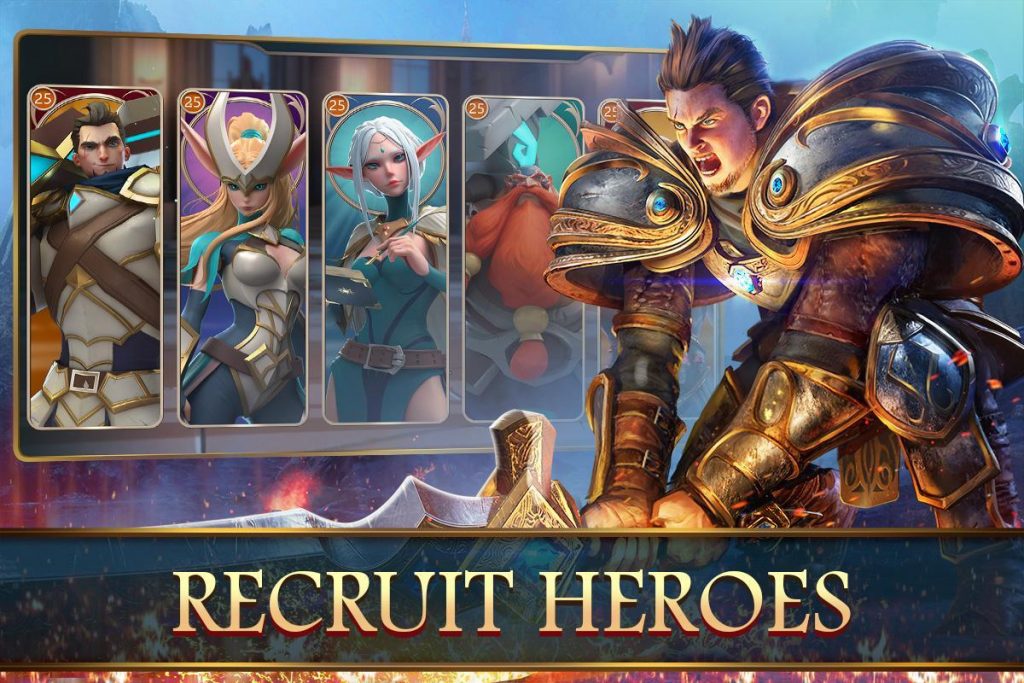
Security is when the game takes off. The very first step will be to start recruiting heroes in your team. The heroes will come with their unique powers and skills. These heroes will train other heroes, and this is how your clan will evolve. Provide your heroes with the latest weapons. Since the heroes are customizable and upgradable, you must perform all the upgrades in time.
Heroes in this game will not be
The matches take place in real-time. The game connects you with the other players sitting in another corner of the world through internet. You can join guilds, form alliances, and indulge in the wars.
The means of transportation in this game seem interesting. You will have the Airships, a floating fort, and many other vehicles that will help you to handle the trade affairs. Your army will also have powerful troops for the sake of defense.
Overall, this is a good-looking game. The game is built out of 3D graphics. The graphics are totally worth enjoying on the bigger screen of a computer. Head over to the steps below to start playing Mobile Royale for PC.
Mobile Royale – Available Platforms
Mobile Royale is
Mobile Royale via Android Emulators
Android Emulators are built to bring the whole Android experience to your computer. Emulators like BlueStacks and Nox Player run the virtual Android tablet-like devices in your computer. This is the best way to enjoy all those Android applications and games on your computer. There are thousands of Android games and apps that are not built for Windows and Mac platforms. To run such games/apps on your computer, you can use Android Emulators. The Android Emulators are also known as the Android App Players. As you go ahead now, you will find the method to run Mobile Royale for PC on Windows 7/8/10 and Mac-powered Desktop PCs and Laptops.
Download Mobile Royale for PC
Time needed: 5 minutes.
This is how you will install Mobile Royale for PC on Windows and Mac.
- Download and install BlueStacks 4 or Nox App Player.
If you are using Windows, download BlueStacks 4. In case you are on MacOS, download Nox App Player. Install the emulator.
- Launch the Android Emulator.
Once the installation of BlueStacks 4 or Nox App Player comes to an end, open it on your computer.
- Set up the Android Emulator via Google Account.
As you open the emulator, it will ask you to add your Google Account. You can either create a new Google Account or use your existing account.
- Open Google Play Store and search for “Mobile Royale”.
After setting up Google Account, open Google Play Store in BlueStacks 4 or Nox. In the Play Store, search for “Mobile Royale”. Install Mobile Royale game now.
- Launch Mobile Royale.
Mobile Royale will now appear in the Home Screen of BlueStacks 4 and App Drawer of Nox App Player. Launch the game now.
- Play Mobile Royale using Mouse and Keyboard.
As the game starts off, use your Mouse and Keyboard to play it. You also have the option of keymapping. Play it according to your liking now. That’s all.
Conclusion
That is pretty much it. I hope that by this time you are successfully playing the Mobile Royale for PC. If you have any problems with this tutorial or with the game, feel free to reach out to us. The best way to reach out to us is via the comments section below or using our Contact Us page.