
Here’s How To Install USTVNow Addon Kodi 17.3 Krypton. If you are looking for a Kodi Add-on which can let you stream live TV channels of US then you must install USTVNow. USTV Now works same like UKTV Now, this Add-on is designed specifically for US cable networks. You can watch ABC, CBS, CW, Fox, NBC, PBS and My TV free, but for all other networks, you have to pay a subscription fee. You’ll get all the top channels live stream in paid subscription ( History, SyFy, CNN, Fox News, and others ).
*Kodi Tips*:
- Now keep that in mind if you need a proper coverage of Kodi then we would suggest you install the best and low-cost VPN. IPVanish is specially designed for Kodi and it has multiple high-speed servers with no throttling or logs.
- Learn how to enable Unknown Sources in Kodi. Click Here.
How to Install USTVNow on Kodi:
Before proceeding to the installation method, you need to sign up on USTVNow website. Keep that in mind you can install USTVNow Add-on but you cannot use it unless you have a registered account on USTVNow website.
USTVNow Plus Installation Guide:
There are two methods whom you can use to install USTVNow Kodi Add-on. First is through Superrepo and other is through Kodisrael Repo. Let’s start the process.
Installation Method 1: SuperRepo:
- Click Here to see how you can install SuperRepo.
- Once you have installed Super Repo, Click on Add-ons.
- Click on Package Installer as shown in the photo.

- Click on Install from Repository.

- Select SuperRepo Repository.
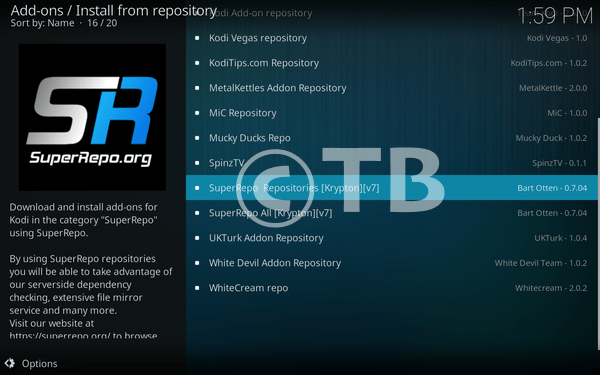
- Click on Video Add-ons.
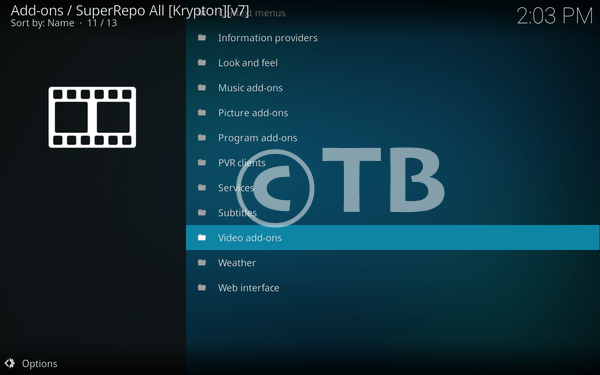
- Find USTVNow and Click on it.

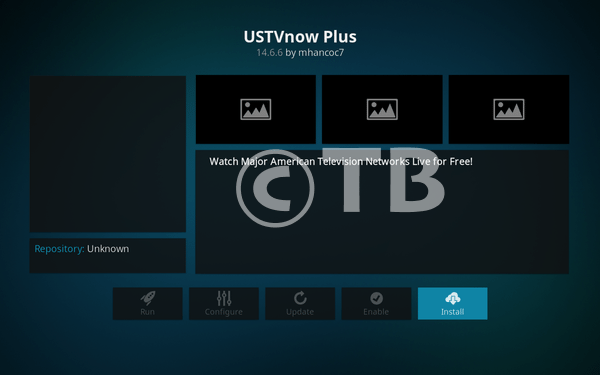
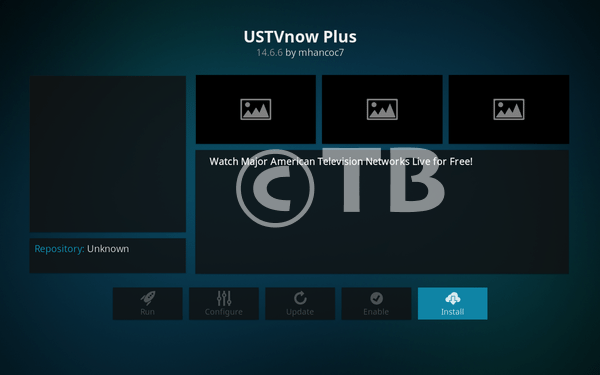
- Click on Install.
Installation Method 2: Kodil (Kodisrael) Repository:
- Download Kodi and Install it. Launch Kodi, Click on Add-ons.

Click File Manager.

Click Add Source.

Click None.

- Add Url; http://kdil.co/repo/kodil.zip, Name it Kodi.zip.

- Head back to home screen, Click Add-ons.

- Click Package Installer as shown in the photo.
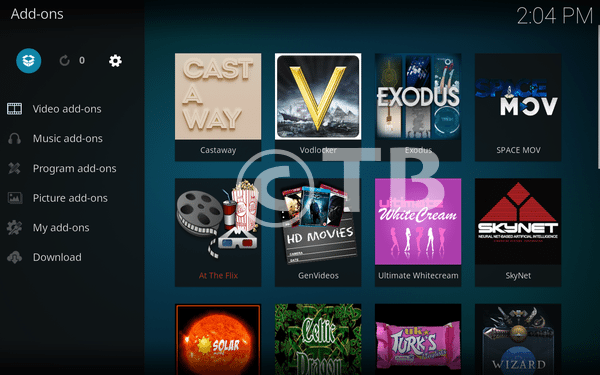
- Click Install from Zip.

- Click Kodi.Zip.

- Click Kodisrael Repository.
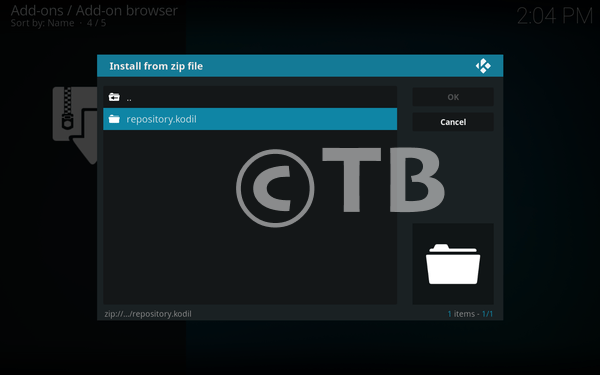
- Head back, Click Install from Repository.
- Locate www.Kodisrael.co.il Repository.
- Click Video Add-ons.
- Click USTVNow Plus.
- Click Install.