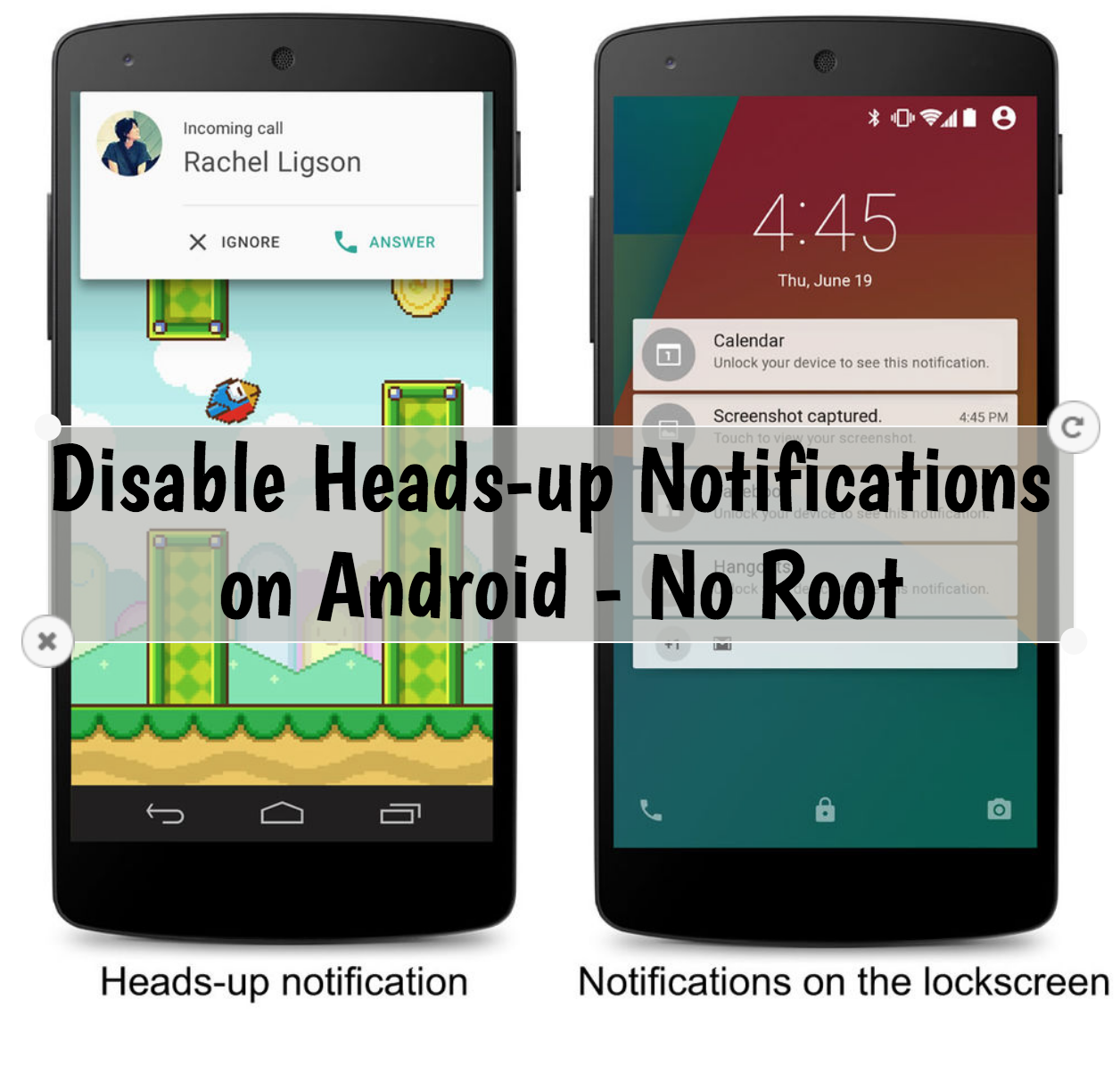
Here’s How you can disable Heads-up Notifications on Android. Moreover, you don’t need to root your device to disable them.
Heads-up Notifications on Android are always a pain in the ass. Every time when we are doing something a message comes and the Heads-up Notification is there. Moreover, it becomes more irritating when we are watching a video on our Android device. Think of this, you have connected your Android device to TV or SmartTV. You are working on a project or something important or even watching a movie. This Heads-up notification will ruin the moment, now you have to use your mobile and get rid of it.
Heads-up Notifications are with Android since Android 5.0. The new version of Android has replaced them with a new feature called Notification Ticker. It’s far better then heads-up notification. Still, I don’t think that is a much-needed feature.
Now not all of us know that we can Disable Heads-up Notifications on Android. The first thing which comes to your mind is Root. No, we don’t need to have root permission to disable Heads-Up notifications. Moreover, if you don’t want to go through with all this technical stuff. You can try the following app.

I won’t recommend that App because it’s not a permanent solution. If you want to disable them permanently, Heed the instructions below to Disable Heads-up Notifications on Android.
How To Use ADB Sideload to Sideload Custom ROMs, Recoveries and MODs
How To Disable Heads-up Notifications on Android – No Root:
Since we are not using any Root method. We’ll be using ADB method to disable Heads-up Notifications. You need to complete the following requirements before we proceed.
Requirements:
- Install ADB and Fastboot drivers. [ Install Android ADB & Fastboot Drivers Quickly with Minimal Tool On Windows PC ].
- USB driver must be Installed. [ Download USB Driver for Windows / Mac ].
- Your device must be running on Android 6.0 or later.
- Enable USB Debugging on your Android device.
Disable Heads-up Notifications:
- Run the tool now by either through the Start menu, through the icon that you created on the desktop or by opening Program files > Minimal ADB & Fastboot > Right click on an empty area while keeping the shift key pressed and click on “Open Command Window Here”.
- Connect your device to PC using the original USB cable. Click on OK to allow USB debugging permissions.
- Type the Following command in command prompt.
adb devices
- This command will show you the connected devices. Make sure your device is connected.
- Type the following command to Disable the Heads-up notification.
adb shell settings put global heads_up_notifications_enabled 0
- Now if you want to enable the Heads-up notification type the following command.
adb shell settings put global heads_up_notifications_enabled 1
That’s all. This is how you can Disable Heads-up Notifications on Android without Root. Please tell us how was your experience in the comment section below.
How to fix “Waiting for device” error in Android ADB & Fastboot
You Might Like: