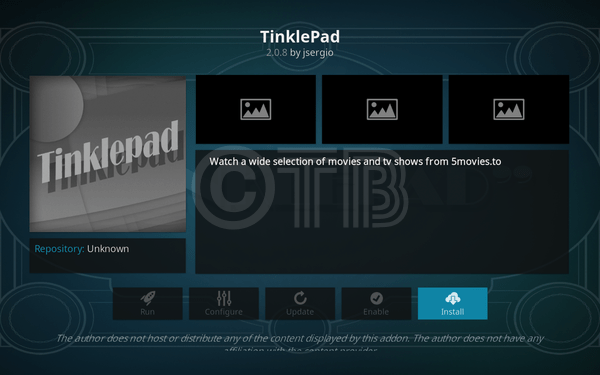
nstall TinklePad Kodi. TinklePad is great Add-on for movies and TV Shows, you can watch all the latest movies in HD quality. The developers of this Add-on have managed movies section very well. You can find watch Latest HD, New Release, Most Added, Most Rating, Most Views, Trending movies, genres, movies by years, most people watched, Favorites and Search.
In this Tutorial, I’ll show you how to Install TinklePad Kodi on Windows PC, Mac, Laptop, Android, and iOS.

Contents
More from Kodi Tips:
Install the latest Kodi 17.4 Update – Top Best Kodi Builds For the Fire TV Stick 2017 – Best KODI 17.3 Krypton Builds 0f 2017
*Kodi Tips*:
- Now keep that in mind if you need a proper coverage of Kodi then we would suggest you install the best and low-cost VPN. IPVanish is specially designed for Kodi and it has multiple high-speed servers with no throttling or logs.
- Learn how to enable Unknown Sources in Kodi. Click Here.
More from Us:
- Install Players Klub Add-on Kodi 17 Krypton.
- Install Super Elite IPTV Add-on Kodi Krypton.
- Install Genie TV Add-on Kodi 17 Krypton.
- Install MetalKettles Add-on Repository Kodi.
- Install Stream YIFY Add-on Kodi 17 Krypton.
How to Install TinklePad Kodi:
- Click Settings Icon.
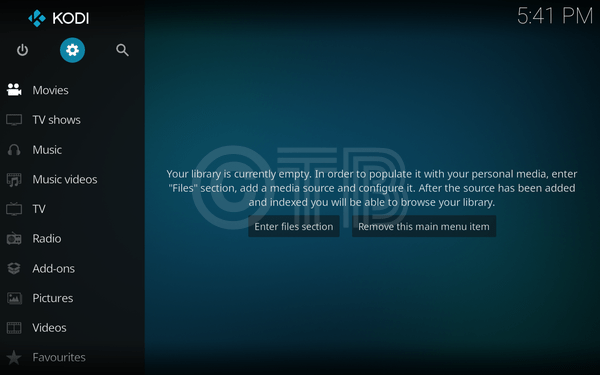
- Click File Manager.
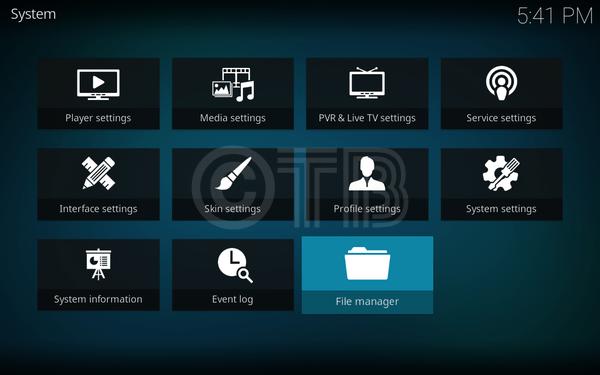
- Click Add Source.
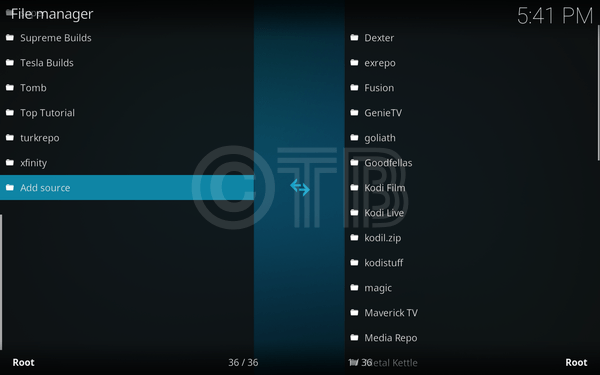
- Click None.
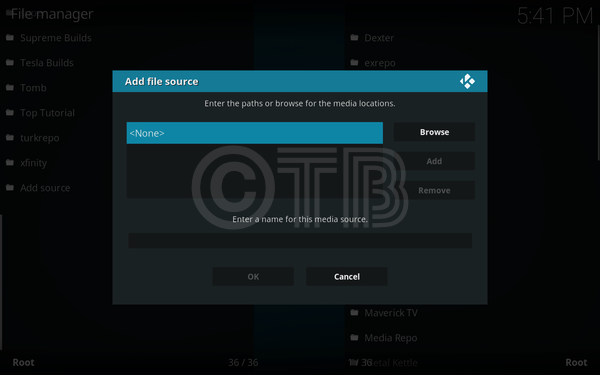
- Type in: http://mediarepos.net/kodisruff/.
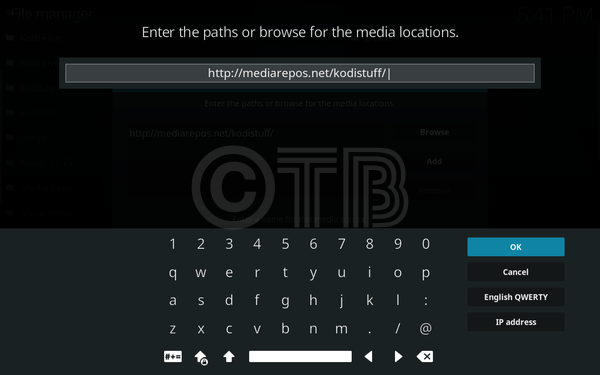
Name it Kodistuff.
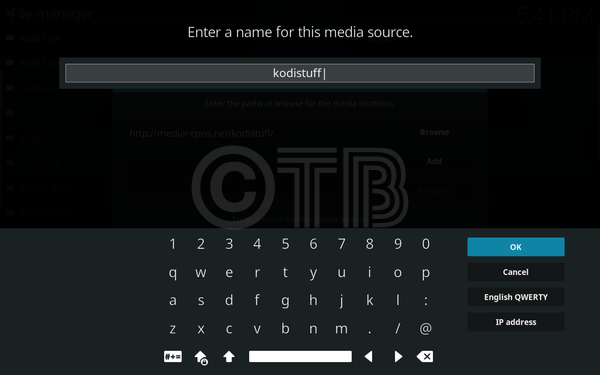
- Click Add-ons.
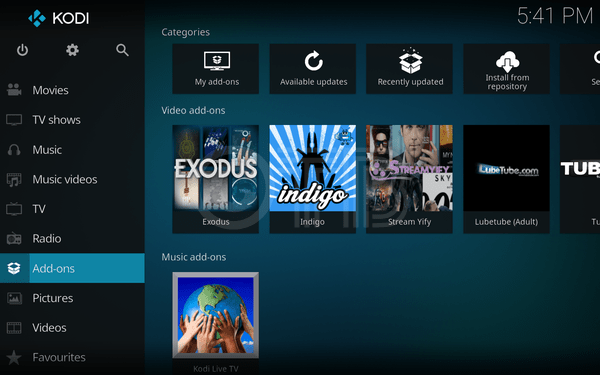
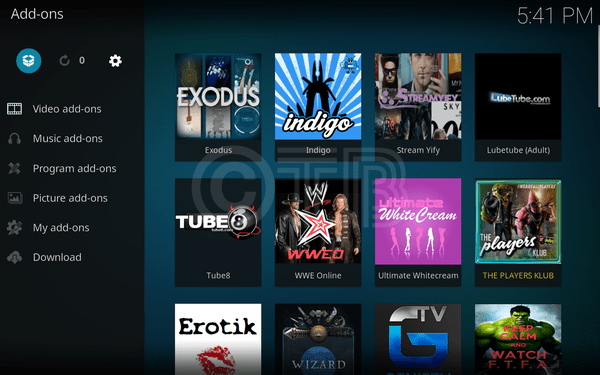
- Click Package Installer Icon.
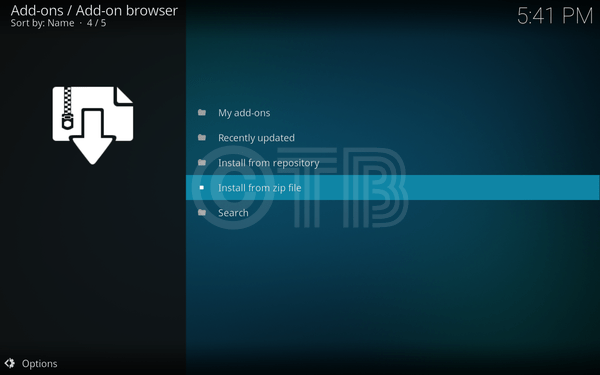
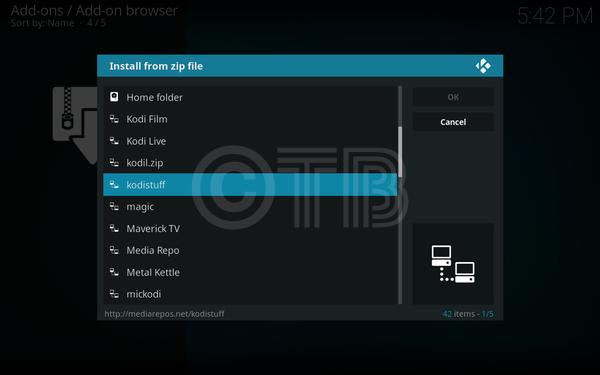
- Click Install from ZIP File.
- Click Kodistuff.
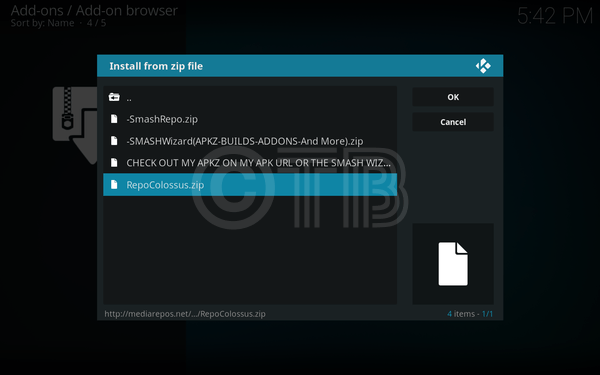
- Click RepoColossus.ZIP.
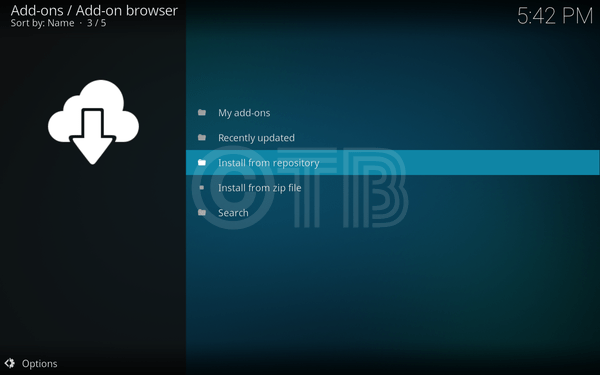
- Click Install from Repository.
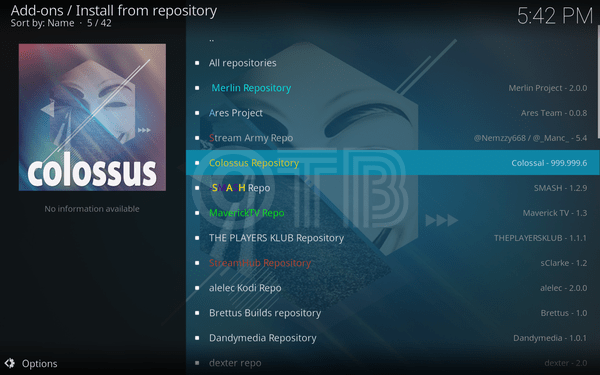
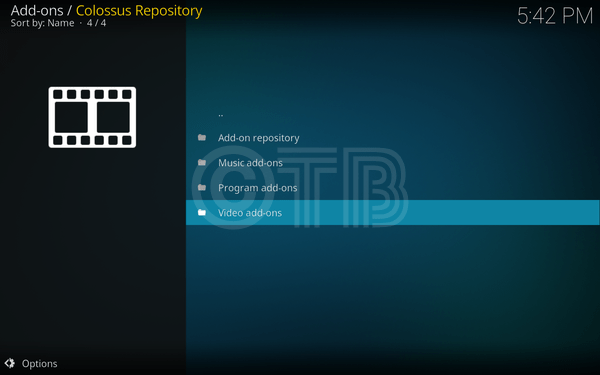
- Click Colossus Repository.
- Click Video Add-ons.
- Click TinklePad.
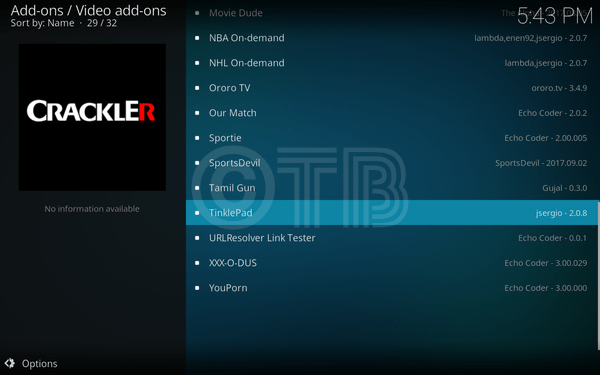
- Click Install.