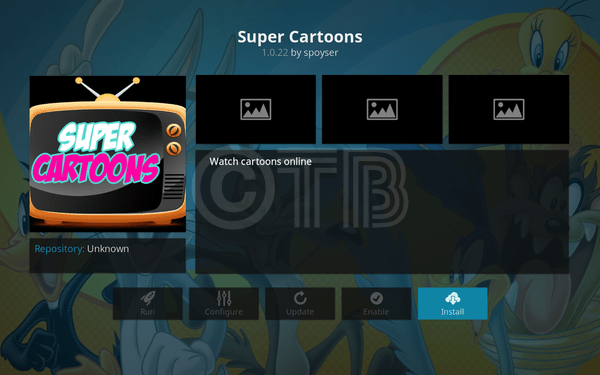
Install Super Cartoons Kodi. Super Cartoons is great Add-on from Dandy Media Repository. This Add-on has a complete variety of all the Cartoon series, it’s Fast and easy to navigate through.

Contents
More from Kodi Tips:
Install the latest Kodi 17.4 Update – Top Best Kodi Builds For the Fire TV Stick 2017 – Best KODI 17.3 Krypton Builds 0f 2017
*Kodi Tips*:
- Now keep that in mind if you need a proper coverage of Kodi then we would suggest you install the best and low-cost VPN. IPVanish is specially designed for Kodi and it has multiple high-speed servers with no throttling or logs.
- Learn how to enable Unknown Sources in Kodi. Click Here.
More from Us:
- Install Players Klub Add-on Kodi 17 Krypton.
- Install Super Elite IPTV Add-on Kodi Krypton.
- Install Genie TV Add-on Kodi 17 Krypton.
- Install MetalKettles Add-on Repository Kodi.
- Install Stream YIFY Add-on Kodi 17 Krypton.
How To Install Super Cartoons Kodi:
- Click Setting Icon.
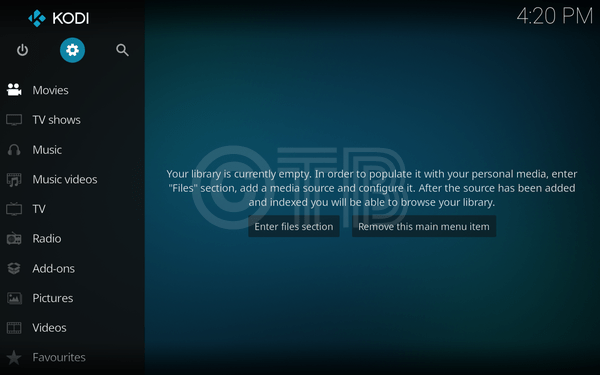
- Click File Manager.
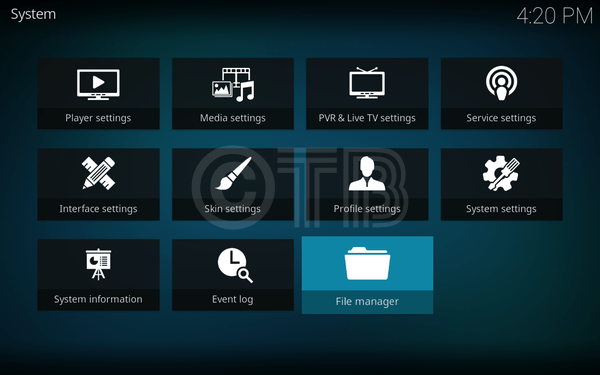
- Click Add Source.
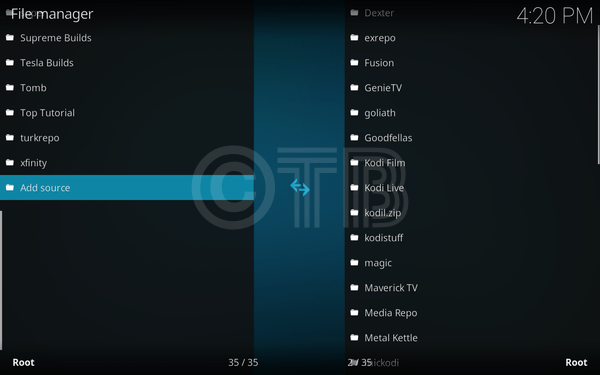
- Click None -> Type in http://srp.nu/.
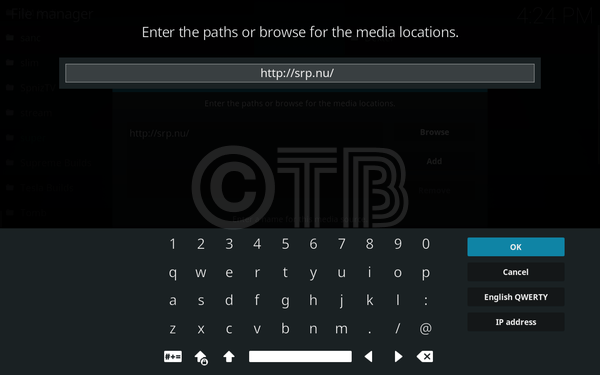
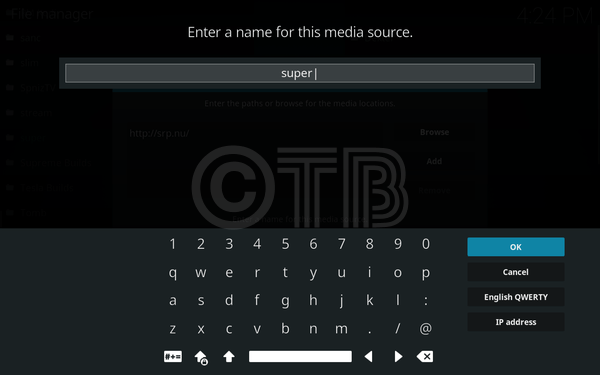
- Name it Super.
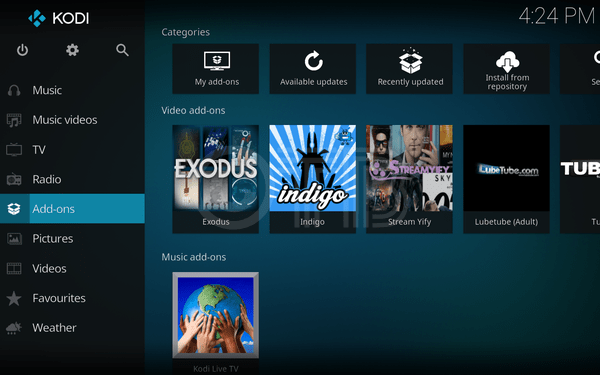
- Click Add-ons.
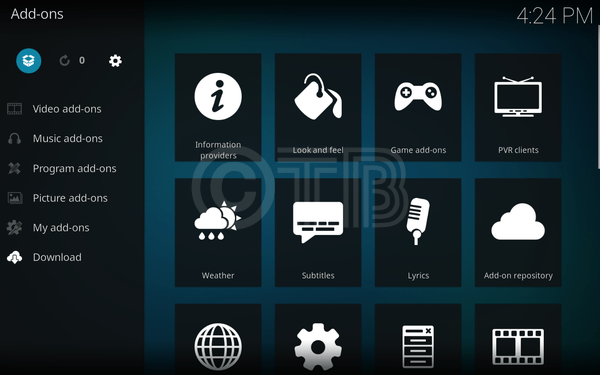
- Click Package Installer.
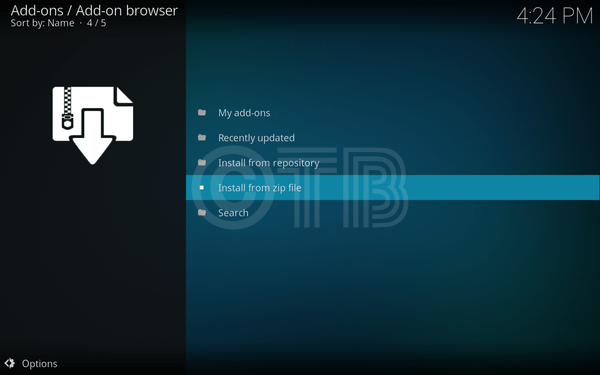
- Click Install from ZIP File.
- Click Super.
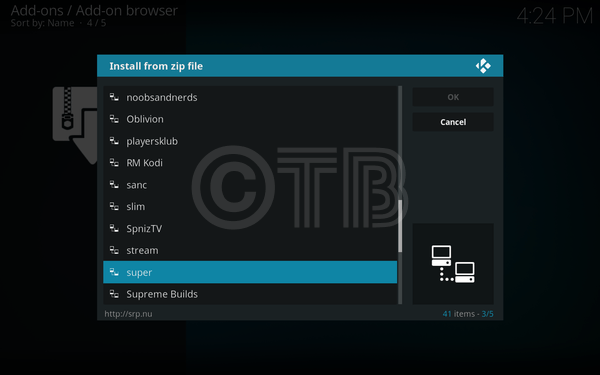
- Click Krypton.
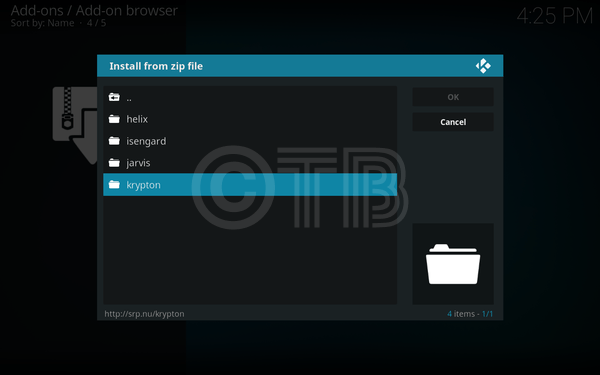
- Click Repositories.
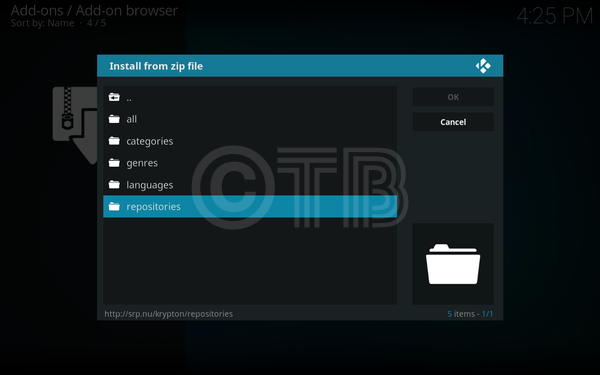
Click Super Repo.
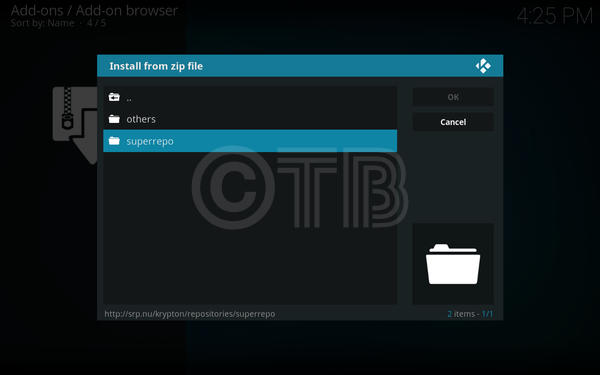
- Click Superrepo.kodi.krypton.repositories-0.7.04.ZIP.
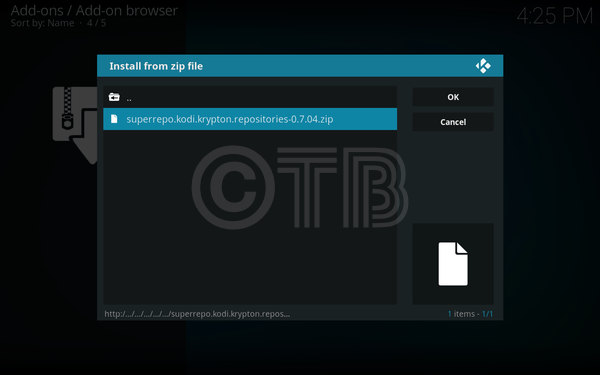
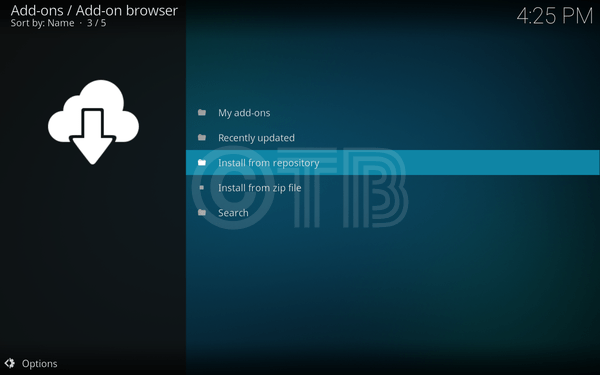
- Once you’ve seen the Add-on installed pop-up, Click on Install from Repository.
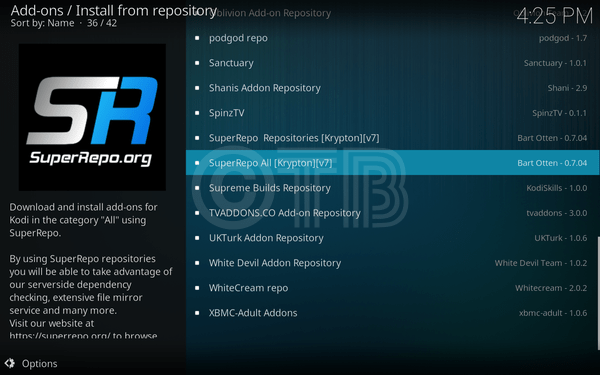
- Click SuperRepo All[Krypton][All].
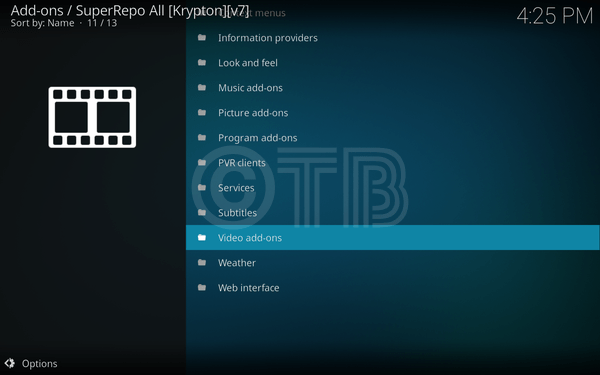
- Click Video Add-ons.
- Click Super Cartoons.
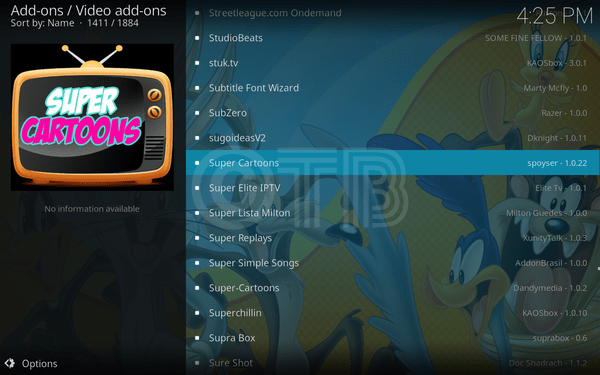
- Click Install.