![Install Kirks Build Kodi – [Tutorial]](https://techbeasts.com/wp-content/uploads/2017/09/Install-Kirks-Build-Kodi15-1.png "Install Kirks Build Kodi – [Tutorial]")
In this Tutorial, I’ll show you how to Install Kirks Build Kodi. Kirks is said to a good and stable build for Kodi 17.3 and now that Kodi 17.4 has landed so I think we should give it a try. This Build has huge section Kodi Add-ons.

More from Kodi Tips:
Install the latest Kodi 17.4 Update – Top Best Kodi Builds For the Fire TV Stick 2017 – Best KODI 17.3 Krypton Builds 0f 2017
*Kodi Tips*:
- Now keep that in mind if you need a proper coverage of Kodi then we would suggest you install the best and low-cost VPN. IPVanish is specially designed for Kodi and it has multiple high-speed servers with no throttling or logs.
- Learn how to enable Unknown Sources in Kodi. Click Here.
Install Kirks Build Kodi:
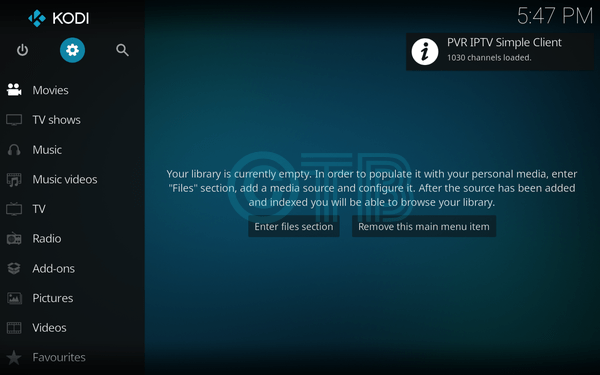
- Click Settings.
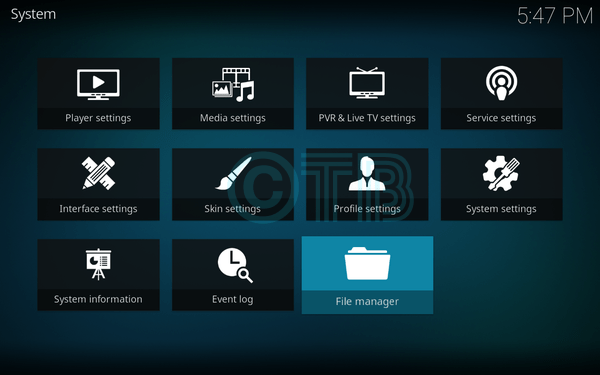
- Click File Manager.
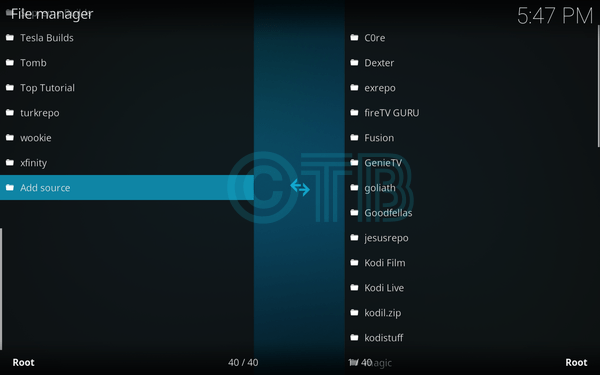
- Click Add Source.
- Click None.
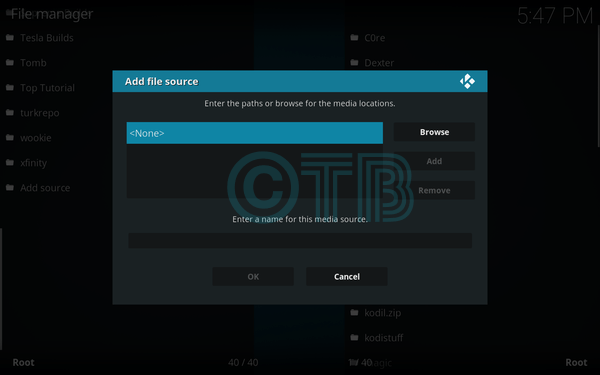
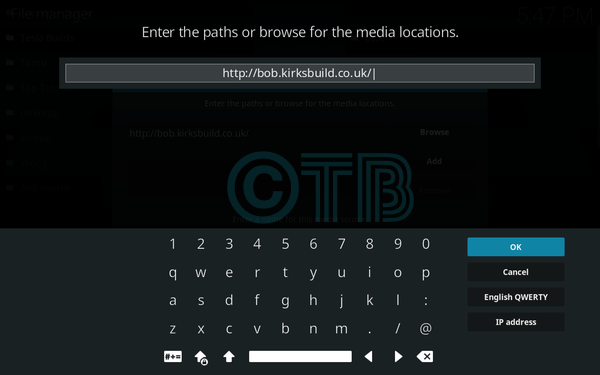
- Type: http://bob.kirksbuild.co.uk/.
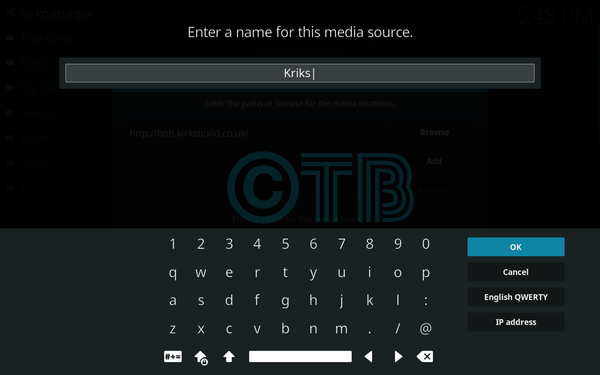
- Name it Kriks.
- Click Add-ons.
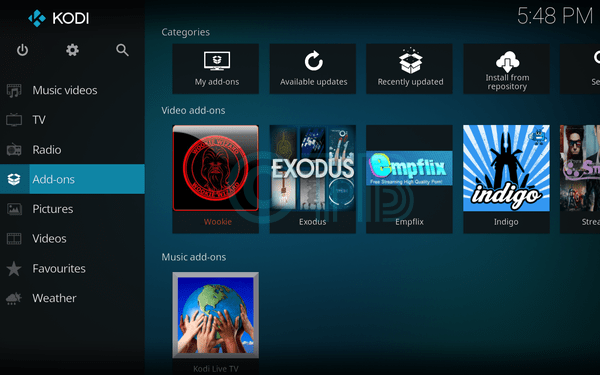
- Click Package Installer Icon.
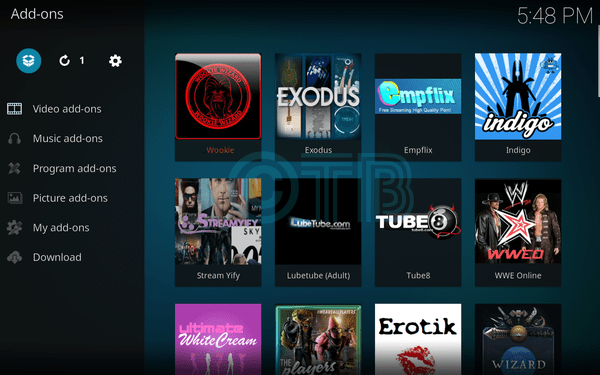
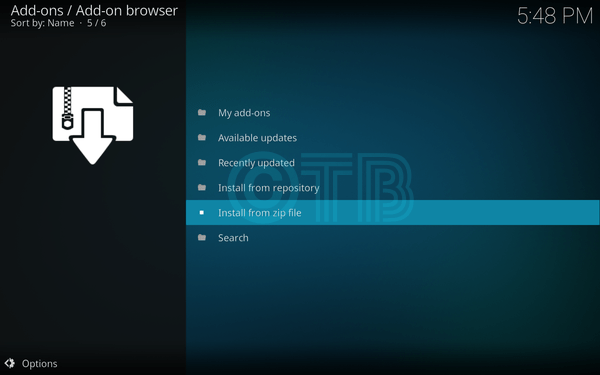
- Click Install from ZIP File.
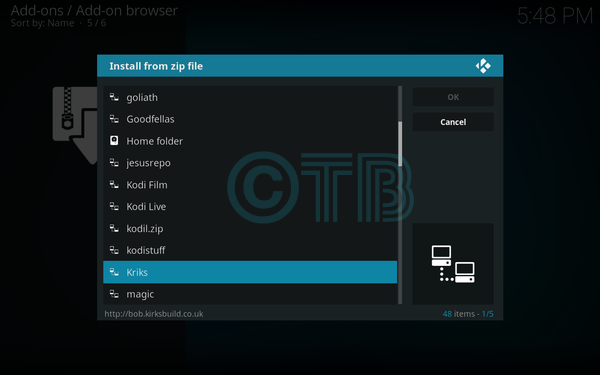
- Click Kriks.
- Click To Install.
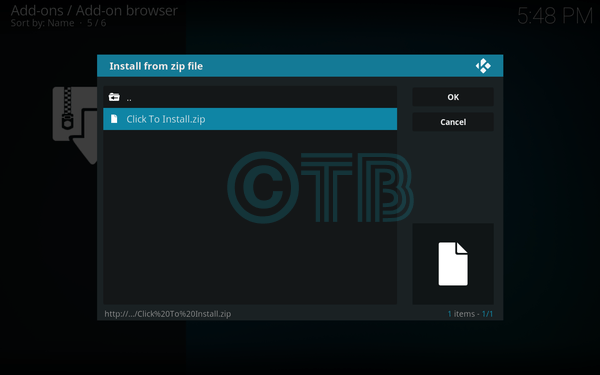
- Wait till you see ” KriksBuild Add-on Installed “.
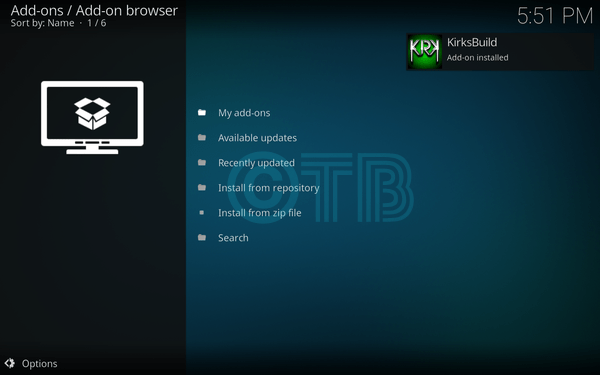
- Click Program Add-ons.
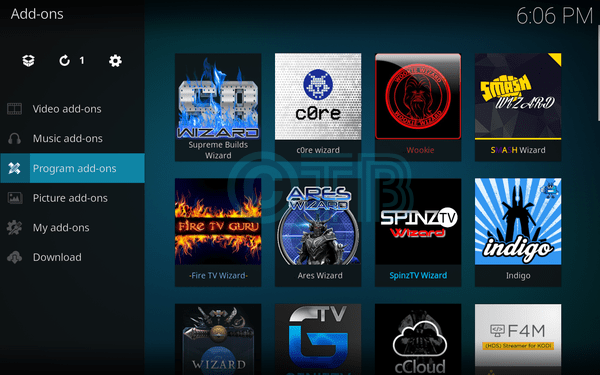
- Click Kriks Build.
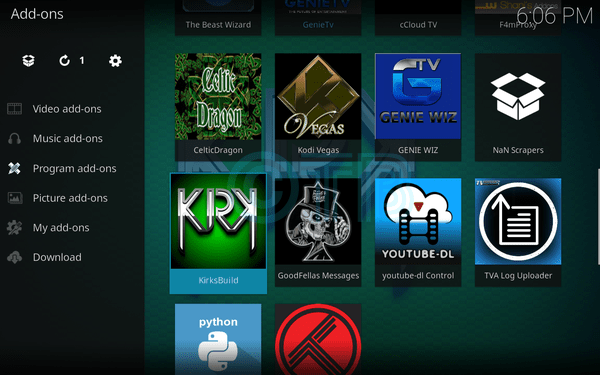
- Click KirksBuild.
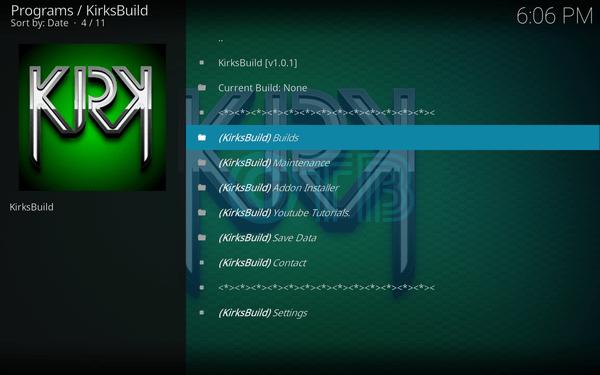
- Click KriksBuild.
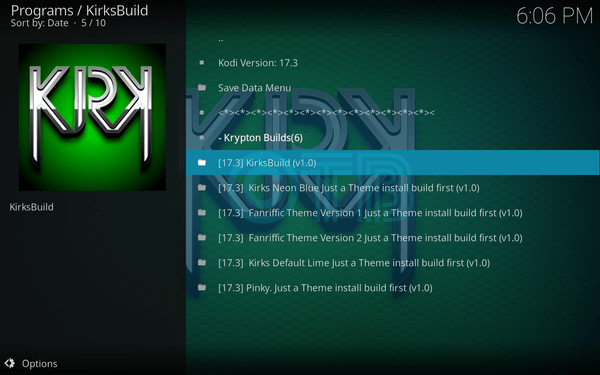
- Click Standard Install.
- Click Yes, Install.
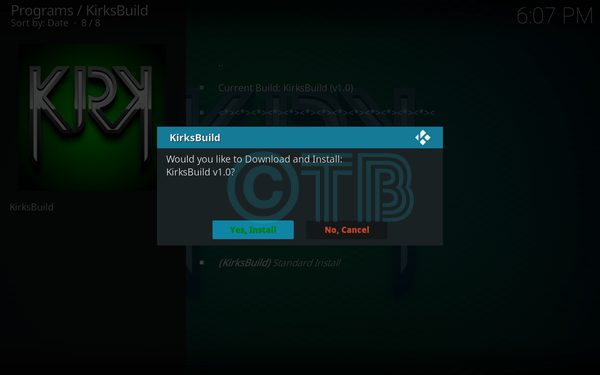
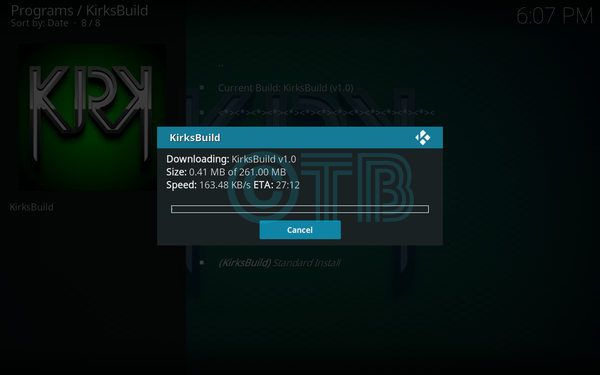
- Now your download will begin and once it over, it will automatically Install the Build.