![How To Add New Contacts to WhatsApp Web [ Tutorial ]](https://techbeasts.com/wp-content/uploads/2018/12/Screen-Shot-2018-12-17-at-8.32.10-PM.png "How To Add New Contacts to WhatsApp Web [ Tutorial ]")
This is how you can Add New Contacts to WhatsApp Web. As we all know that WhatsApp rolled out WhatsApp Web version a few years back. The core purpose of WhatsApp Web was to let users use WhatsApp on their desktop PC. This was best for those who spend a considerable amount of time using their desktops.
WhatsApp Web helps save time, in normal condition whenever we get a message on WhatsApp. We’ve to unlock our phone and then open WhatsApp, read the message and then reply. However, WhatsApp Web made it easier, all you have to open your browser, read the message and reply. This saves a lot of time and effort.
Now if there perks of using WhatsApp web, there are also some cons. For example, you cannot Add New Contacts to WhatsApp Web. However, if you are using WhatsApp on your smartphone, then it is easy, but on WhatsApp Web, there is no such option. It seems they totally forget to add this functionality. Well its okay If they forgot to add, We have found a perfect workaround that will let you Add New Contacts to WhatsApp Web. Let’s get started now.
How To Add New Contacts to WhatsApp Web:
Follow the instructions below in order to add new contacts to WhatsApp Web on your PC. Before we proceed to the main method, you need to install some apps and add-ons.
Install InTouch App:
You can download the InTouch App from the following link. InTouch app is a contacts manager app available for both Android and iOS smartphones.
Andorid:

- Once you have downloaded InTouch app on your smartphone. Open it.
- Sign up as a new user or if you already using the InTouch app, log in with your ID.
- If you are signing up a new user, you need to provide email ID, number, and name. Keep on thing in mind, you need to provide the number which is linked to WhatsApp.
- After you are done with the creating account, Tap on your Profile Photo to access your profile settings.
- In your profile settings, Tap on accounts and make sure your Gmail ID is synced.
iOS:

- Repeat the same process given above for your iOS devices.
Install WhatsApp Lead Manager Add-on:
- Launch Google Chrome on your PC and Install WhatsApp Lead Manager extension using the link below.
- We’ll need this Add-on to Add contacts on WhatsApp Web, WhatsApp lead Manager is designed by the same guys who created InTouchApp.
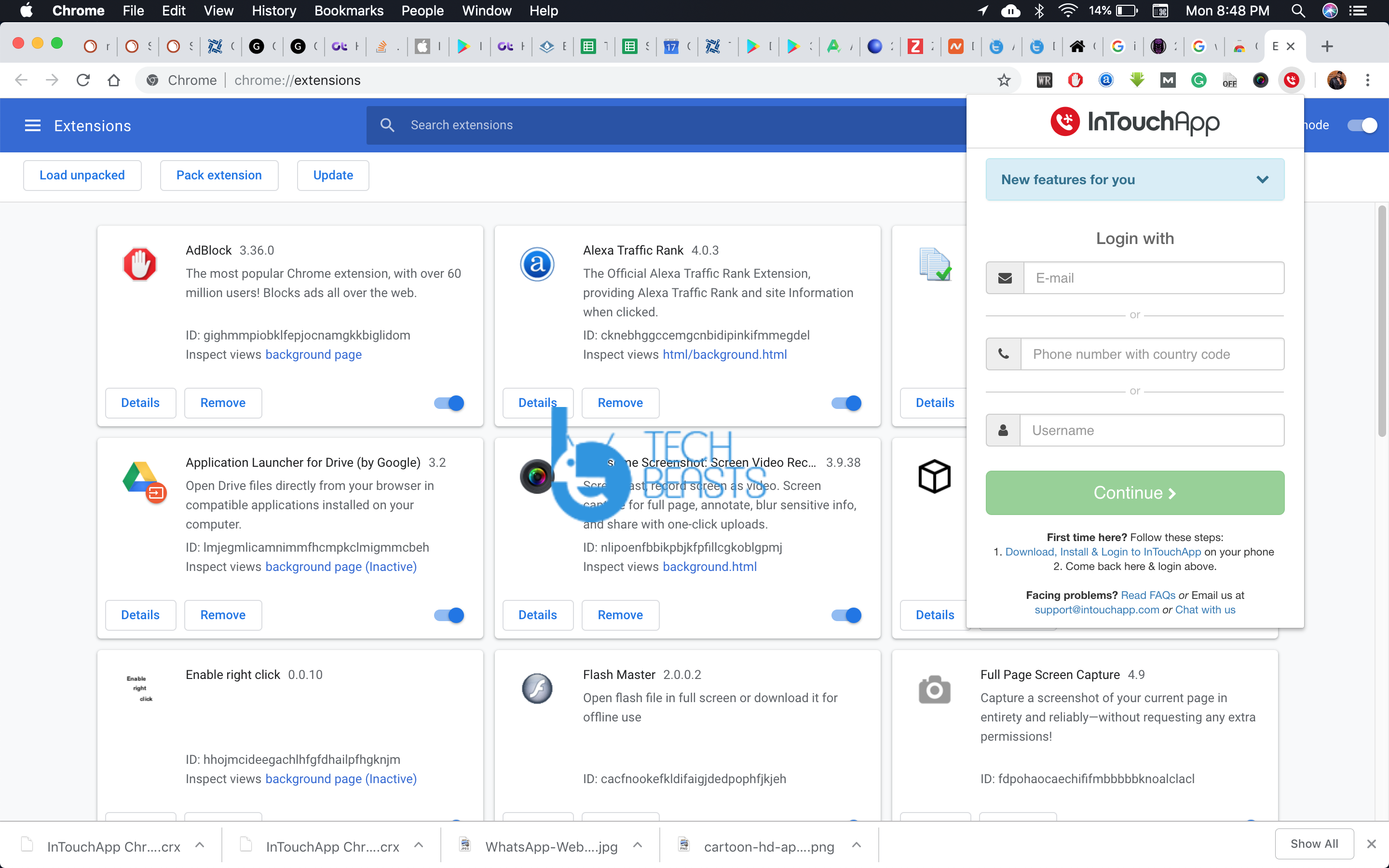
Add New Contacts to WhatsApp Web:
- Open WhatsApp Web on your Chrome.
- From your smartphone open WhatsApp and Sync it with WhatsApp Web.
- Once your WhatsApp account is active on your browser, open the new message from an un-saved contact.
- Now Click on the WhatsApp Lead Manager Add-on icon.

- Log in with your InTouch Account. Now again click on the Add-on icon.
- This you will see different options, fill in the required details to save a new contact.
This new contact will be saved on your Gmail ID, the one have synced in InTouch App. So that is all, this is how you can Add New Contacts to WhatsApp Web.
No i mean without your phone how to add a new phone number? if you dont know its okay i could go to youtube and if you helped me thank you then i appreciate you helping me about this kind of situation!~