Here’s how to Install SkyNet Add-on Kodi 17.3 Krypton, It’s on top of the list in Best 4k Kodi Add-ons. The best thing about SkyNet is that it has 4 popular add-ons including Dojo Streams, Silent Hunter, Supremacy and Maverick TV. All of these Add-0ns are in UHD, also SkyNet has its own sections for everything.
In this post, I’ll tell you how to install SkyNet Add-on Kodi 17 Krypton.
How To Install SkyNet Add-on Kodi 17.3 Krypton:
- Launch Kodi, Click Settings Icon.
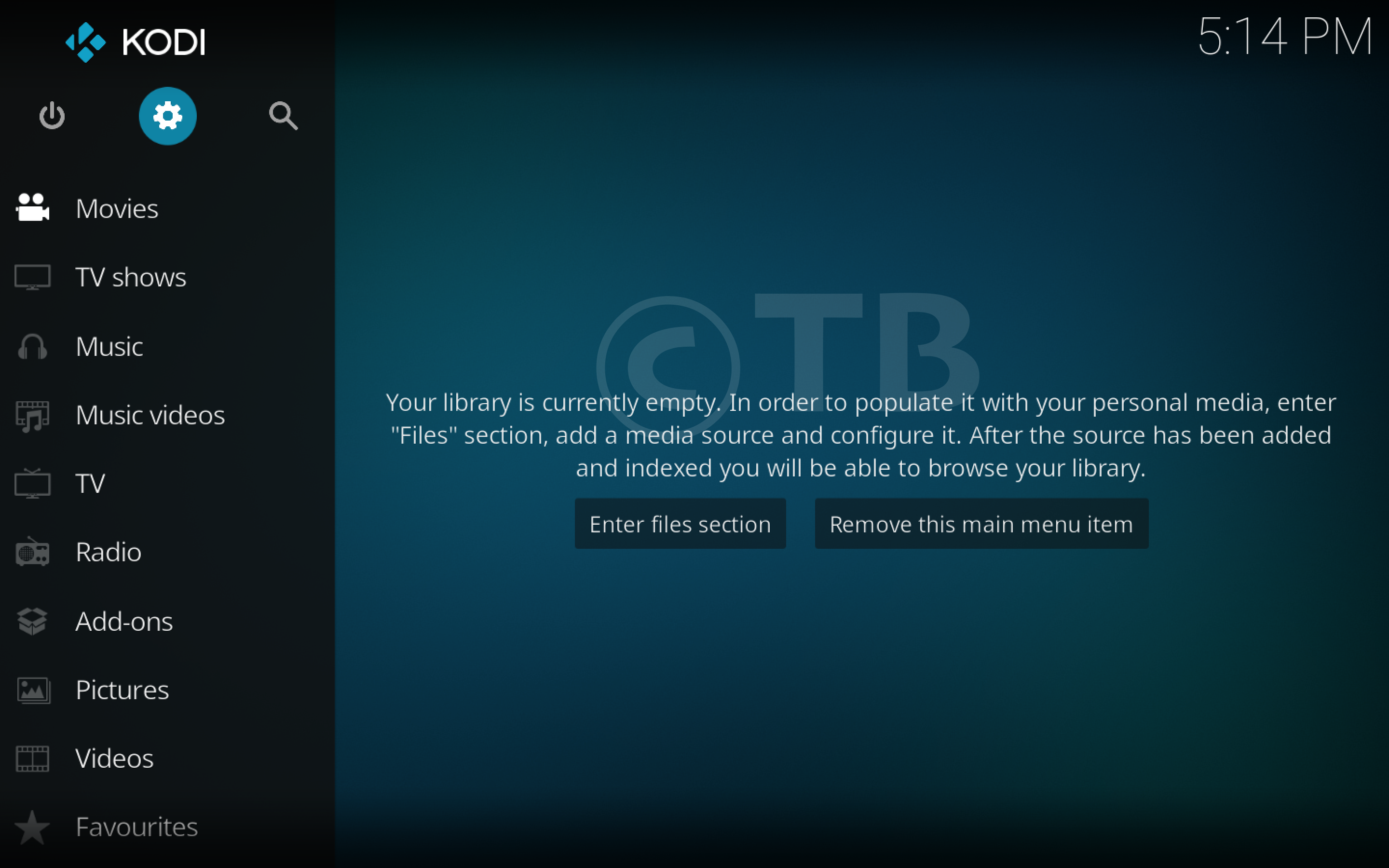
- Click on File Manager.

- Click on Add Source.
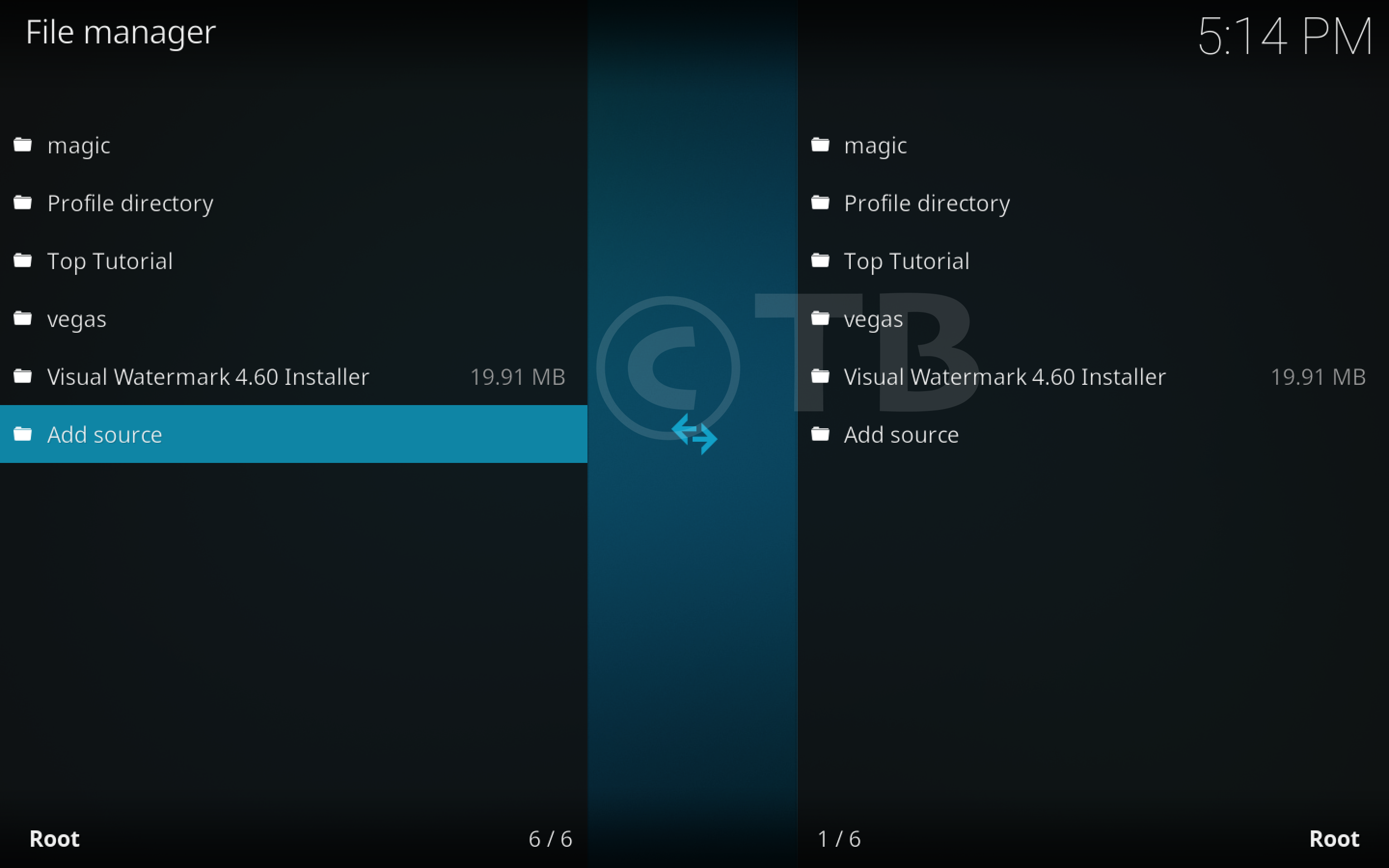
- Click on None.

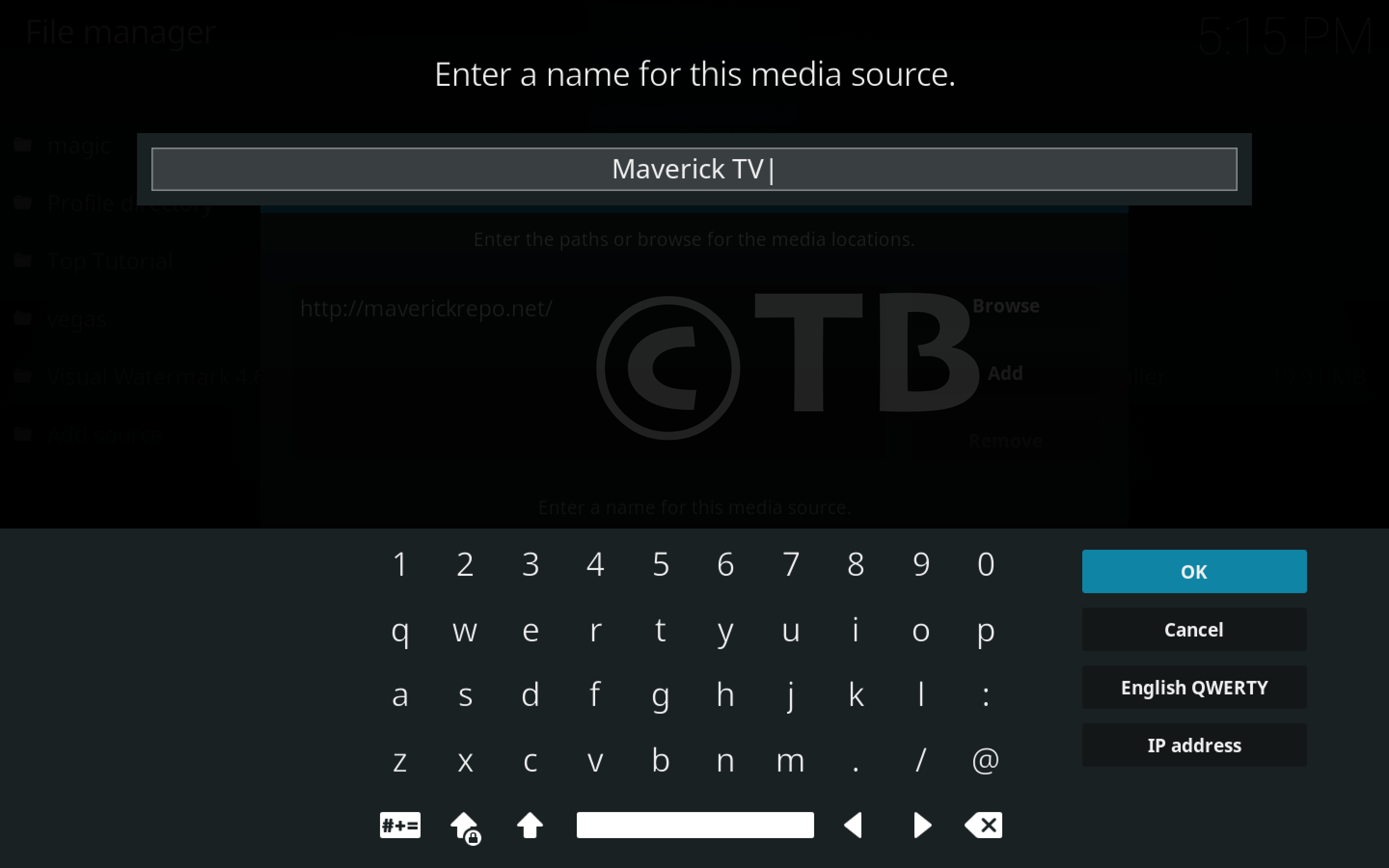
- Type this URL: ( http://maverickrepo.net).
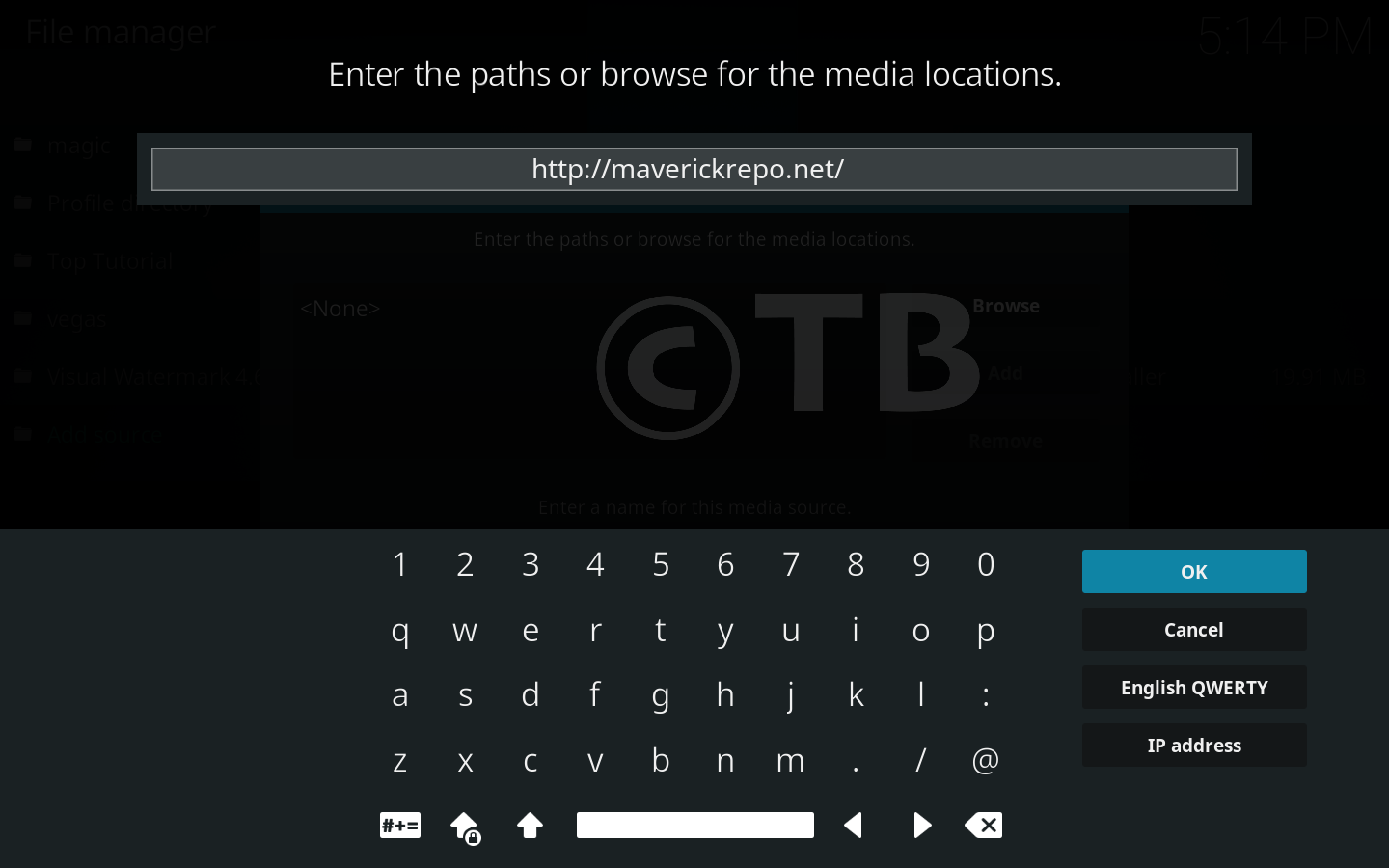
- Name it Maverick TV.
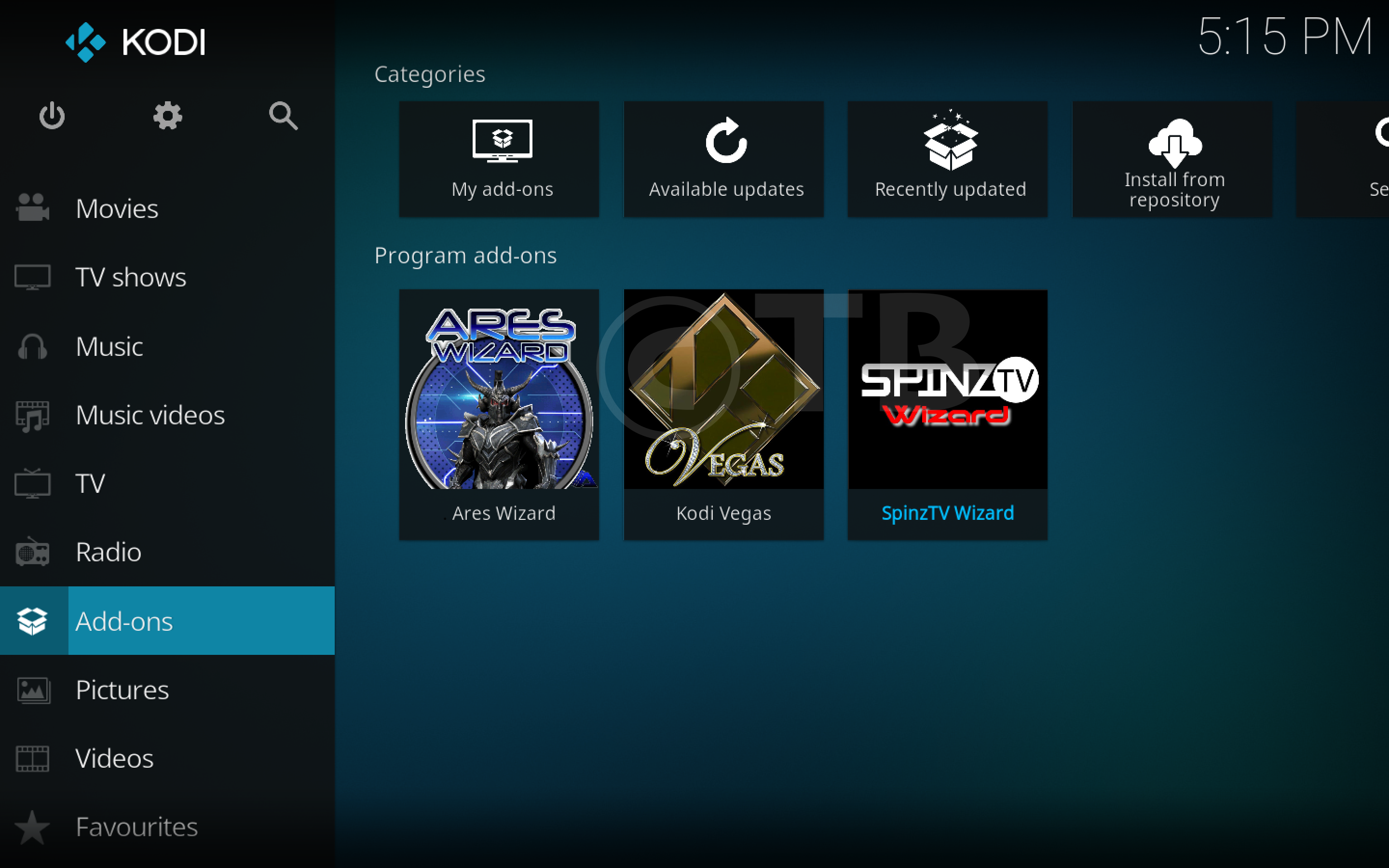
- Click on Add-ons.
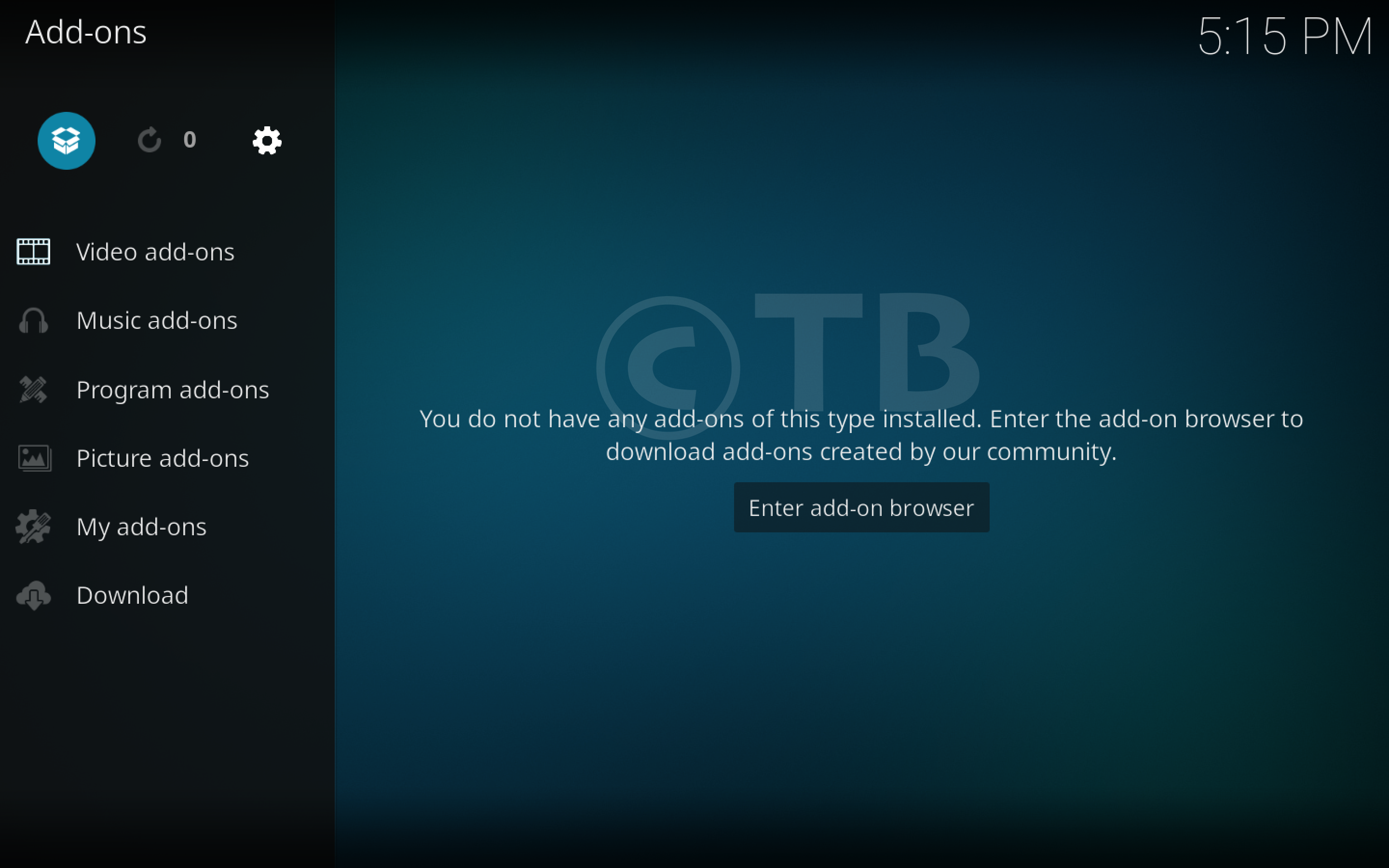
- Click on Package Installer.
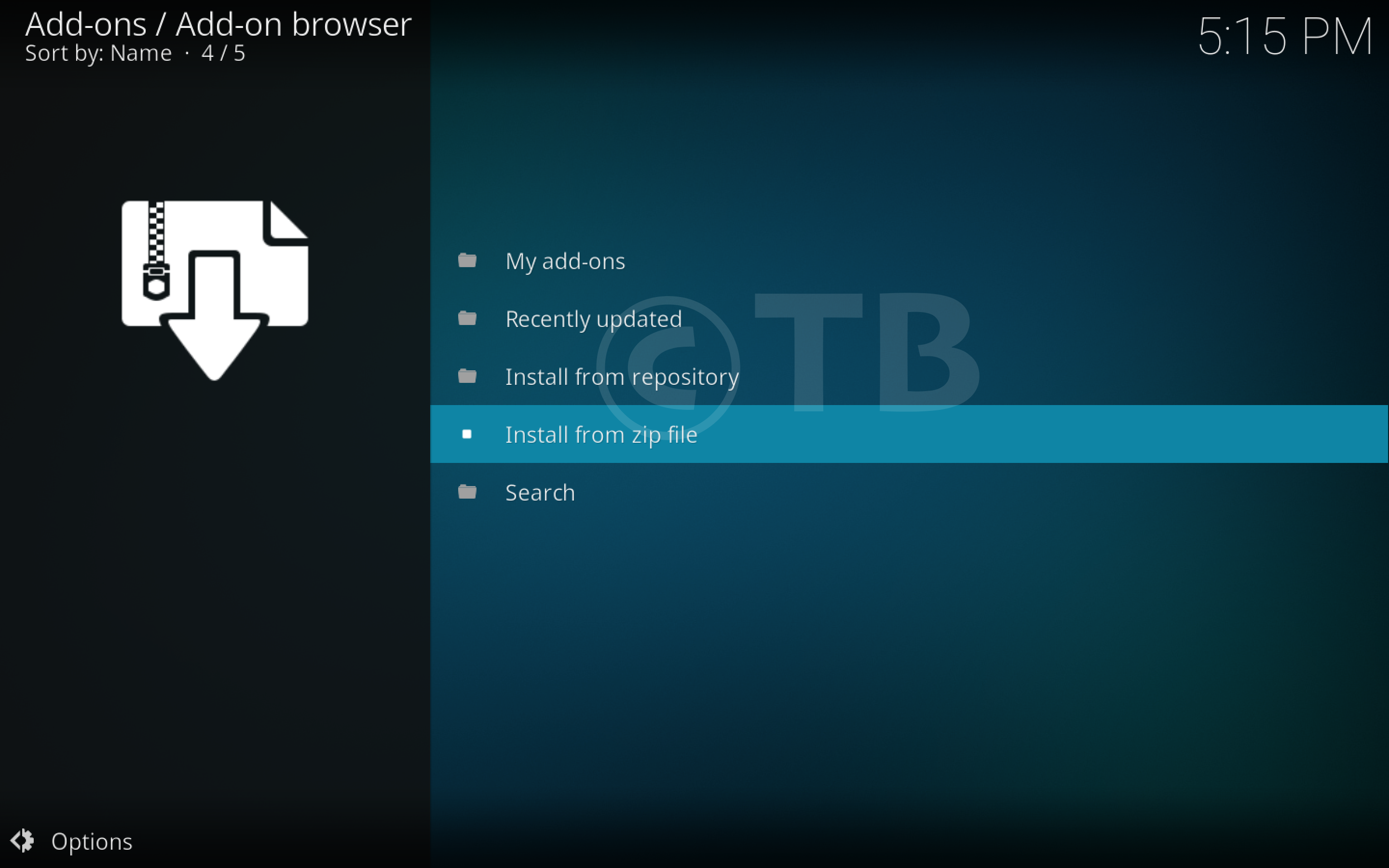
- Click Install from ZIP File.
- Click Maverick TV.

- Click repository.maverick-1.3.zip.

- Wait for the Pop-up saying ” Maverick TV Repo ” Add-on Installed.

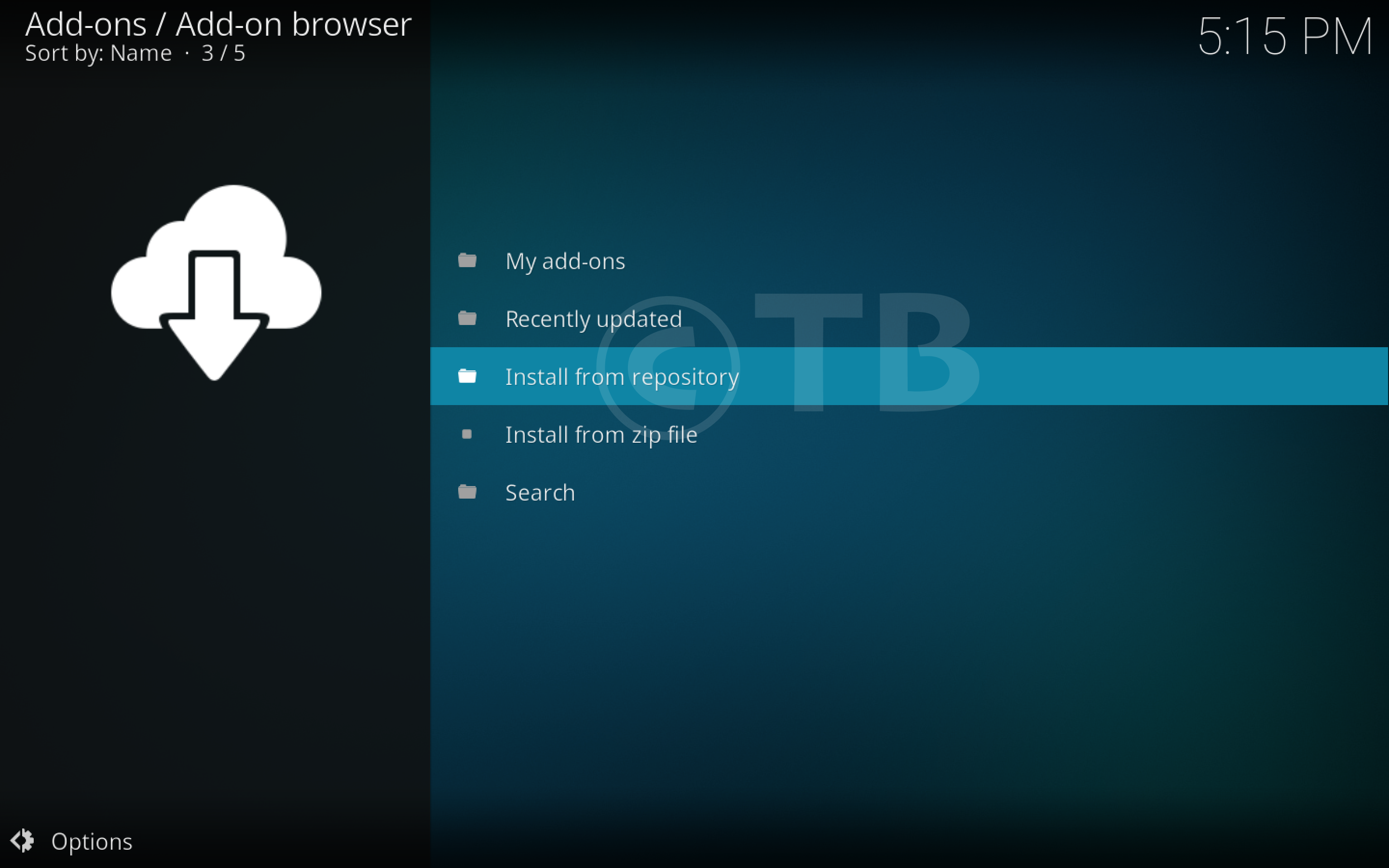
- Click Install from Repository.
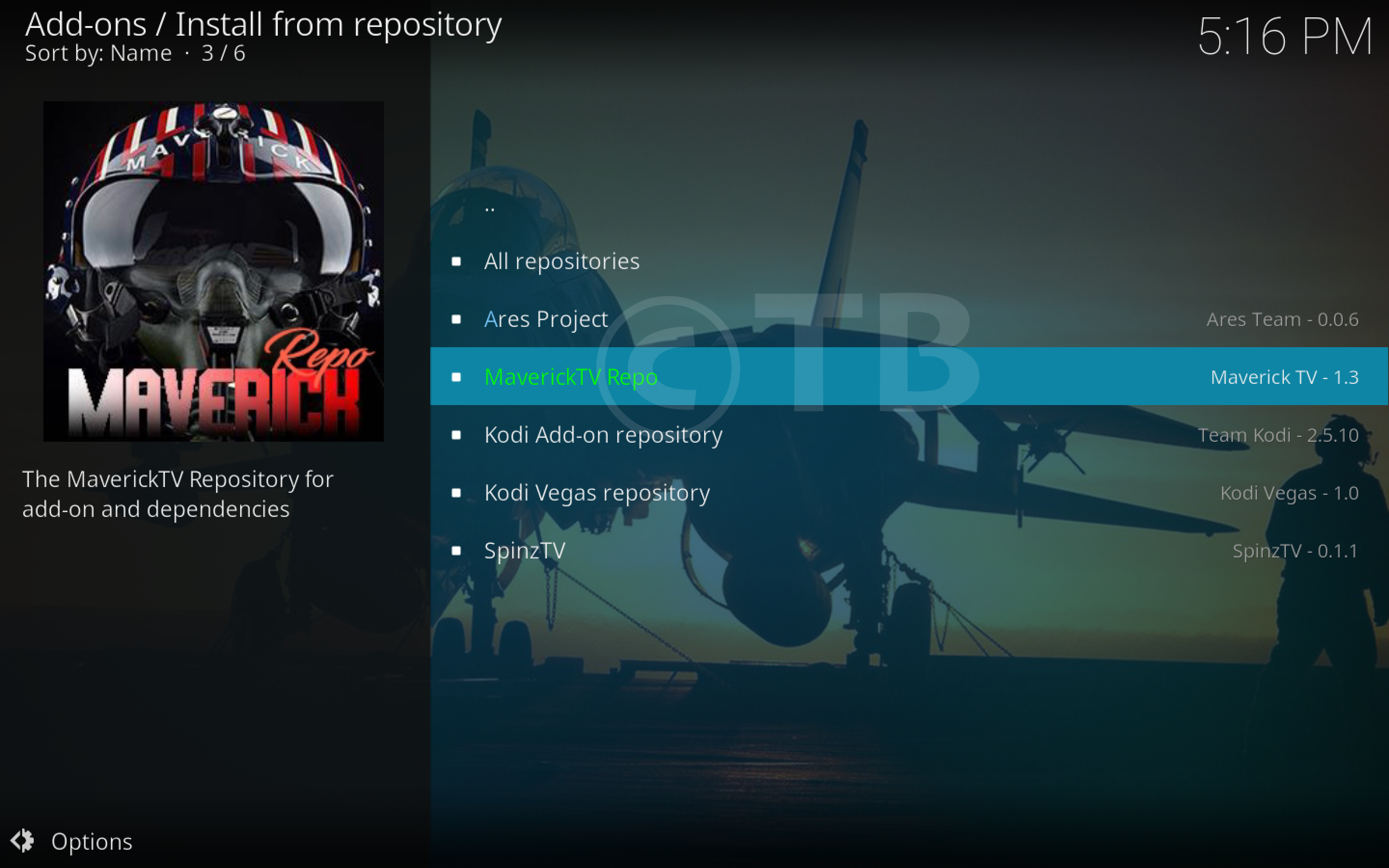
- Click MaverickTV Repo.
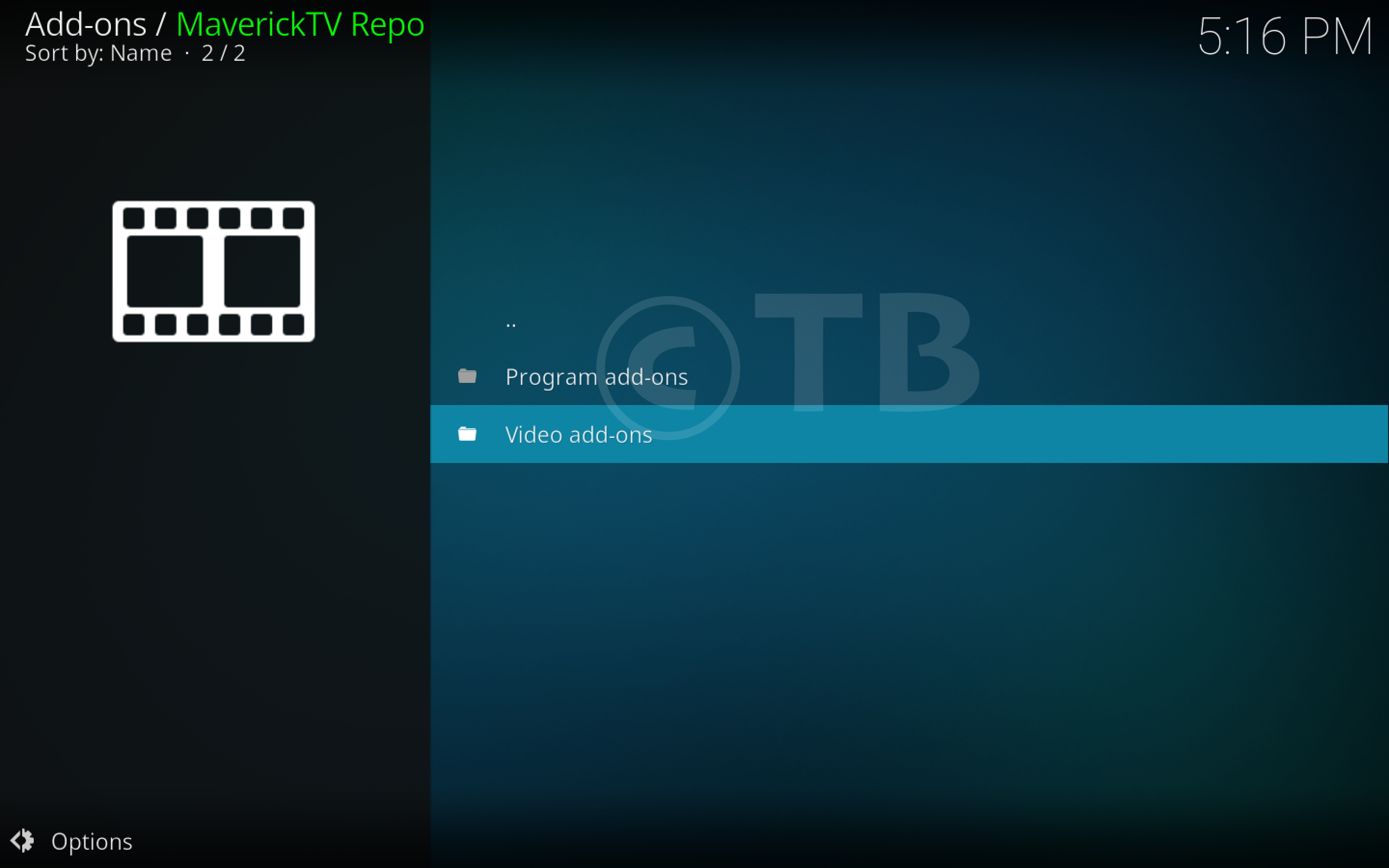
- Click Video Add-ons.
- Click Maverick TV.
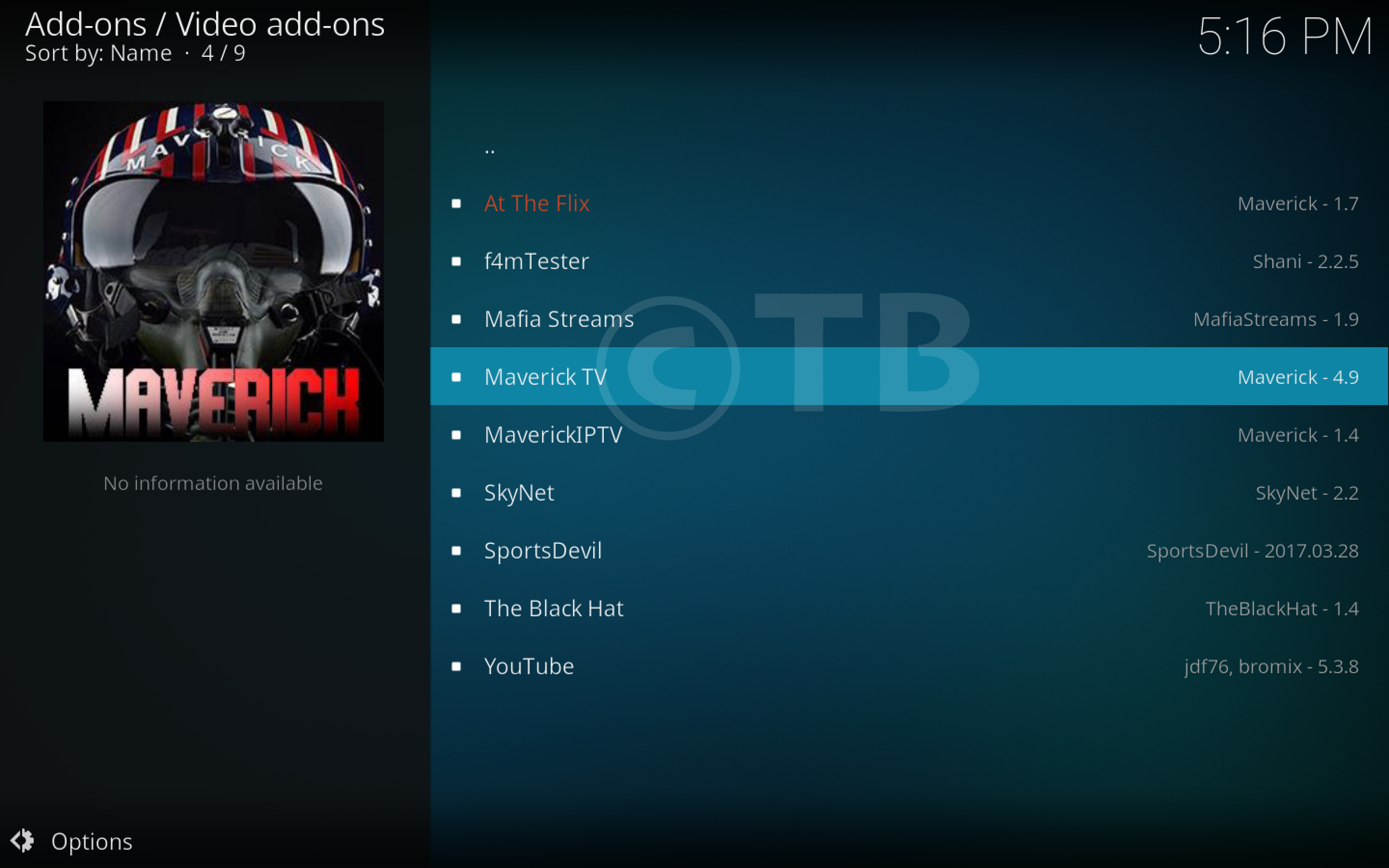
- Click SkyNet.
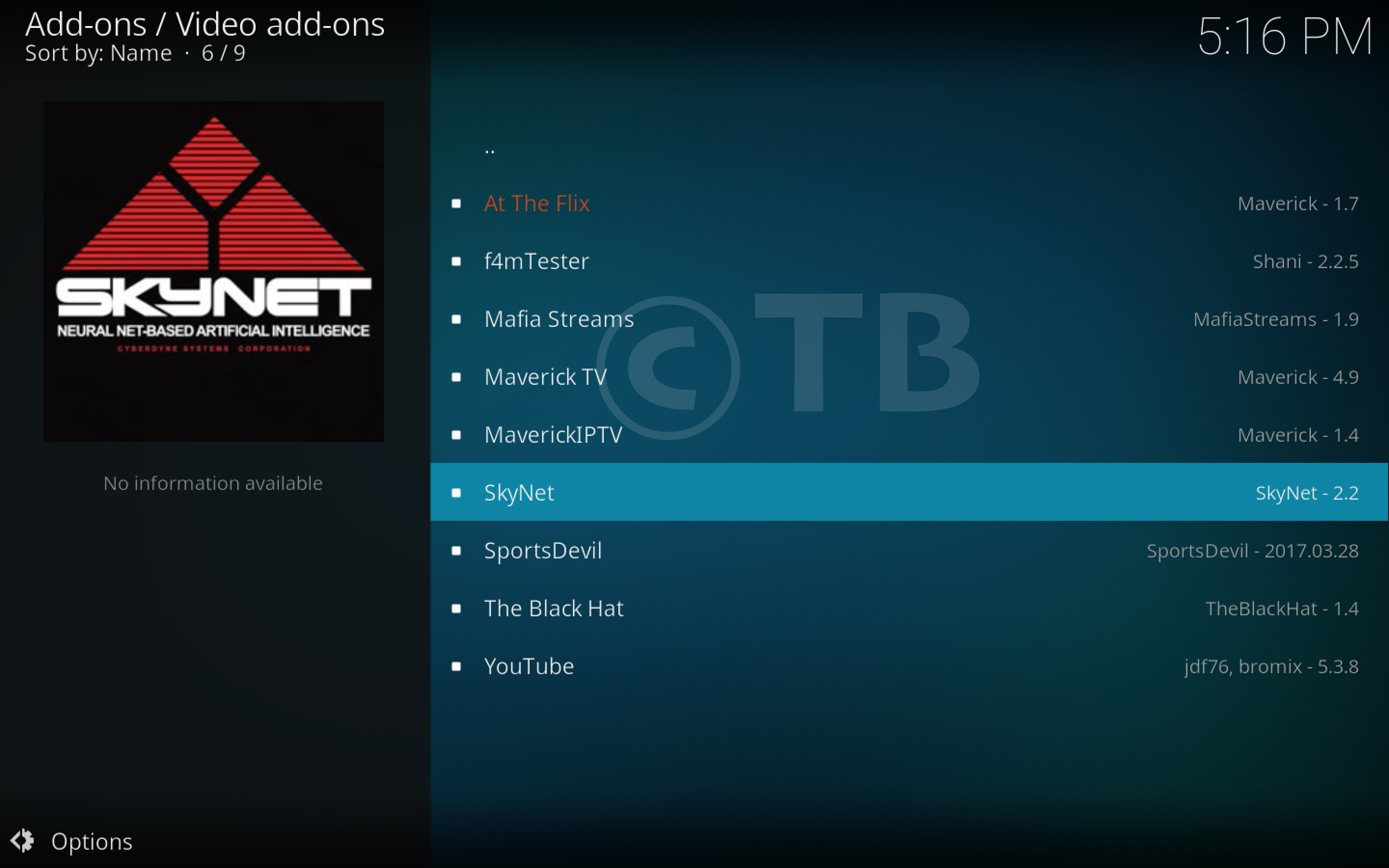
- Click on Install.

That’s all. That would be all If you face any issue you can tell me in comments. Thanks.
See More: