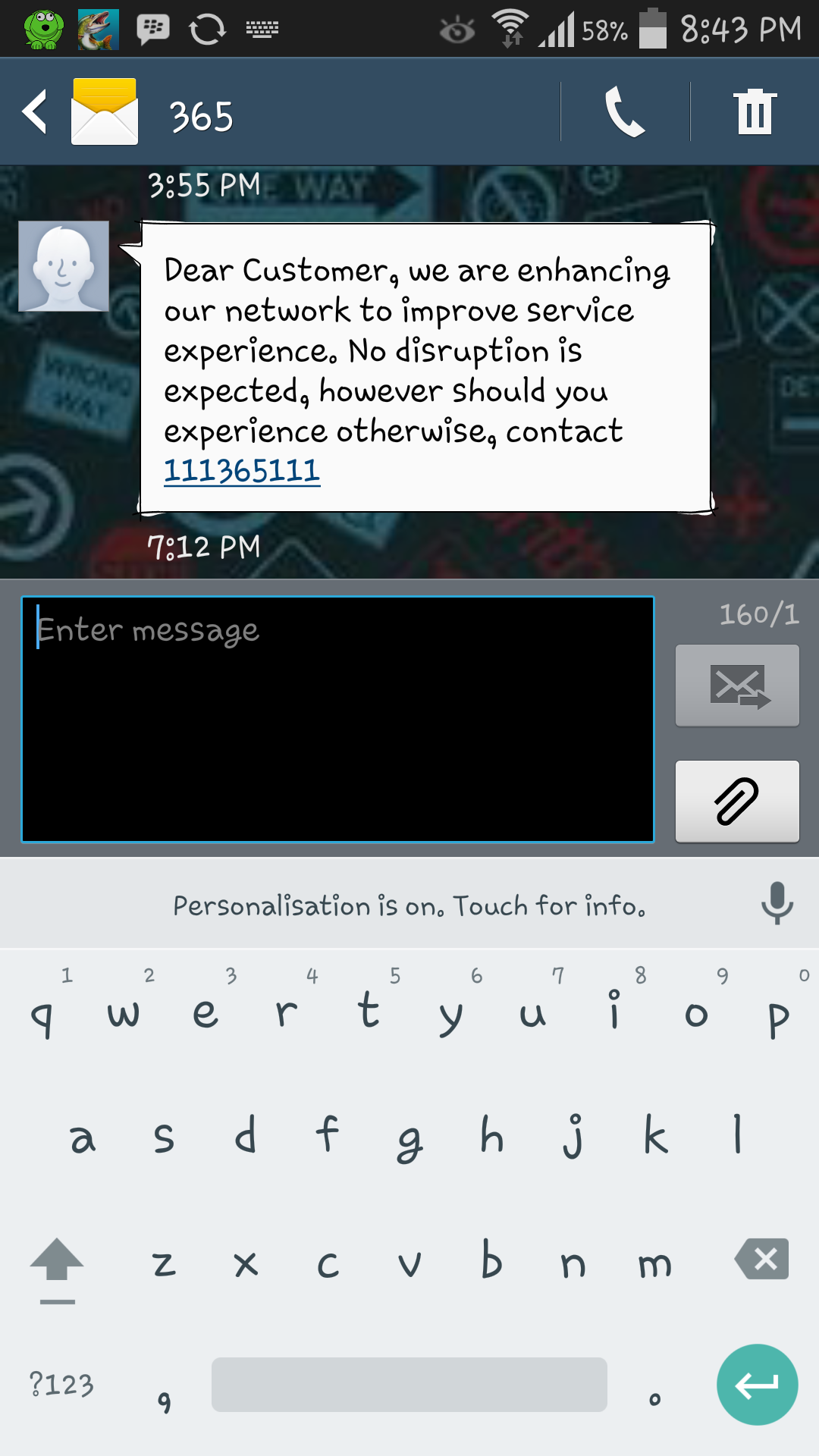
Android 5.0 Lollipop is coming next month for many devices, but stocks app apk are available for download. Android 5.0 Keyboard got a new design, Material look and new themes. When I was trying to install it on my Galaxy Note 3, I was facing an issue after installing the apk file I cannot edit lib.so file. So I started searching a simple apk, good news is that I found one and you don’t need Root. You can download Lollipop Keyboard Apk Download for ALL PHONES.
Important Things Before Installation:
1). Device running 4.0 ICS and up.
2). No Root Required.
3). No need to uninstall other Google Keyboards.
Download and Install Lollipop Keyboard Apk:
Step 1: Download Lollipop Keyboard Apk
Step 2: Connect your phone to your laptop or PC now.
Step 3:Copy the APK file to your phone’s SD card.
Step 4: Disconnect your phone.
Step 5: Locate the Lollipop Keyboard file on your phone now and tap to install it.
Step 6: If prompted to select installer, then select “Package Installer”.
Step 7: Allow “Unknown Sources” from Settings > Security if prompted.
Step 8: Proceed with the installation and complete it.
That’s all!
Following are the other Android 5.0 Apps with Material Design download links.
With this installed, can other keyboards be uninstalled in order to free up space?
@if83:disqus you will need root access to uninstall system keyboard.