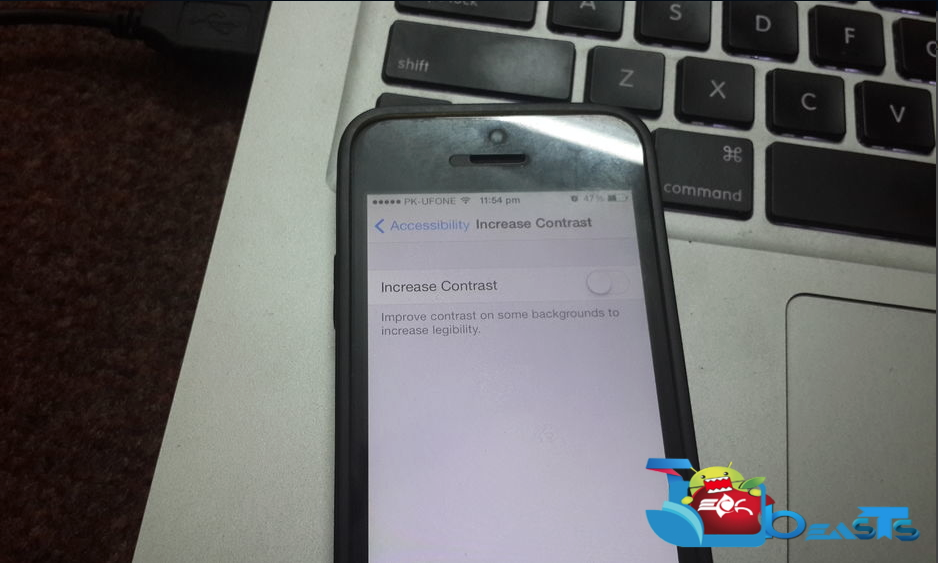
When iOS 7 came out, the most annoying thing was its white display, which made the reading so difficult. Now iOS 7.1 is out and Apple has taken care of this issue, they have introduced new accessibility features that will help you to reduce contrast and enhance usability. It will also help you to get rid of the whiteness and will even give its screen a light grey look.
How to reduce the white point on your iPhone or iPad in iOS 7.1:
Open setting on your iPhone or iPad running iOS 7.1.
- Tap on general.
- Tap on Accessibility.
- Now tap on increase contrast.
- Now turn the reduce white option on.
Check out the process in following images:
