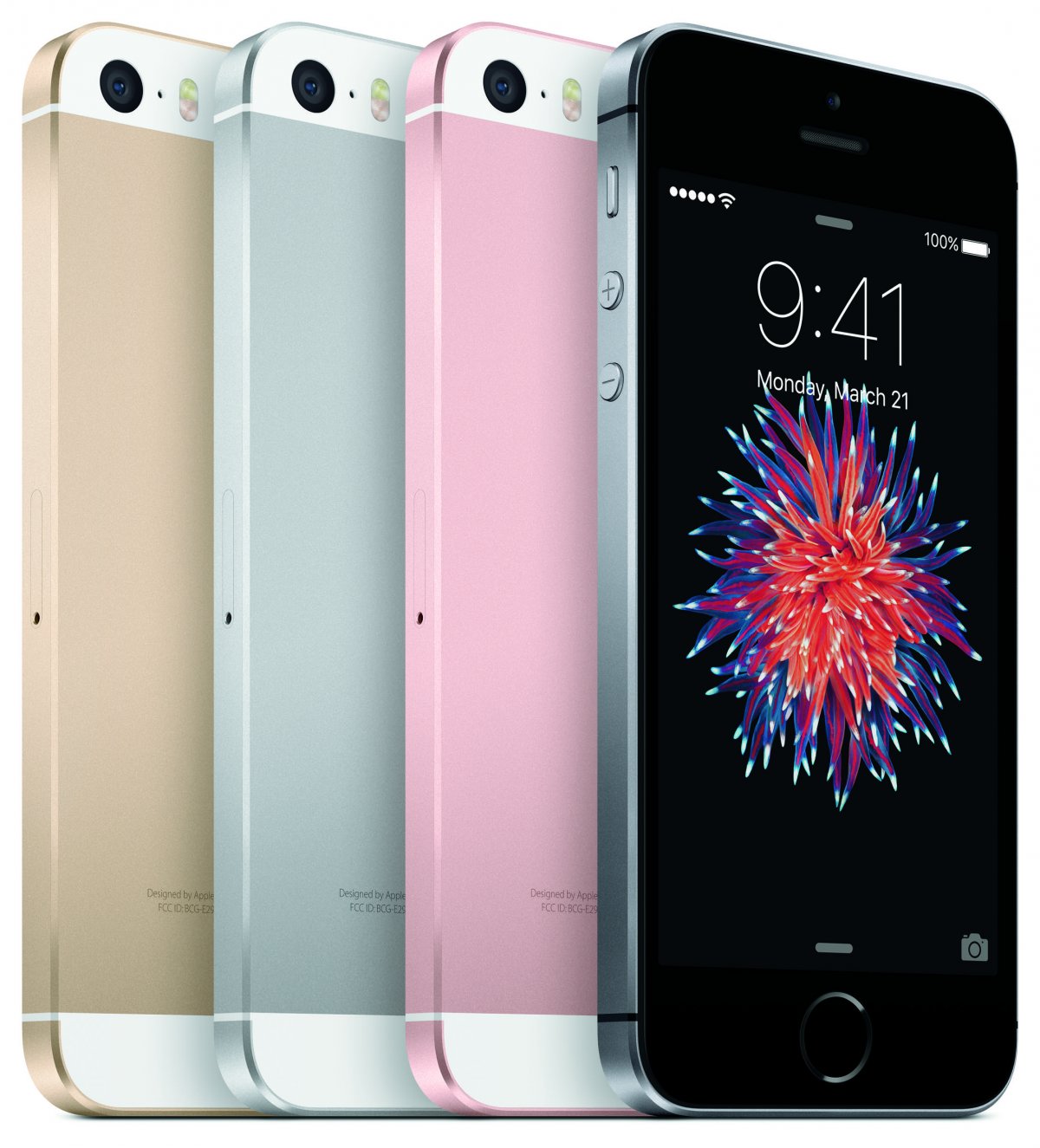
How To Increase Battery Life on iPhone SE:
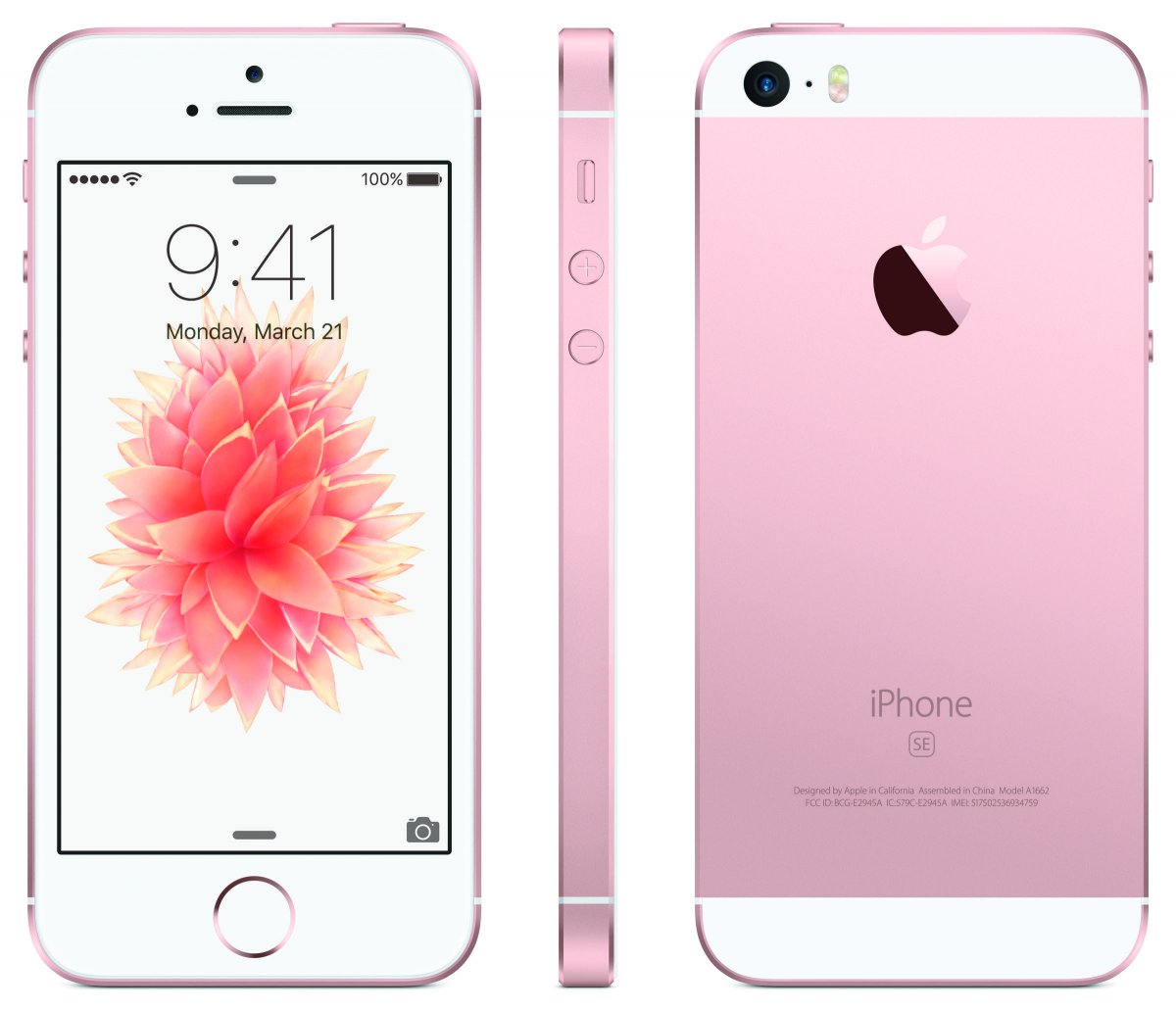
- Turn off Background app and content refresh: Settings->General->Background App Refresh->Turn off.
- Turn off Location Services: Goto Settings-> Privacy-> Location Services, and turn off.
- Turn off Push Notifications: Open Settings->Notifications->Now Tap on each app and turn off the notification.
- Turn of Notification Center widgets: It will also help because Stocks and weather app use your location to give results.
- Turn off Airdrop: Make sure Airdrop is turned off, because it uses Bluetooth and eat more battery.
- Turn off Automatic Updating: Go to settings-> iTunes->Tap on Apps, updates and book&Audio to turn them off.