
Now let’s try Hold down volume up/down buttons:
Well, I am not sure of this method but i have read that it worked for many. Follow the instructions below.
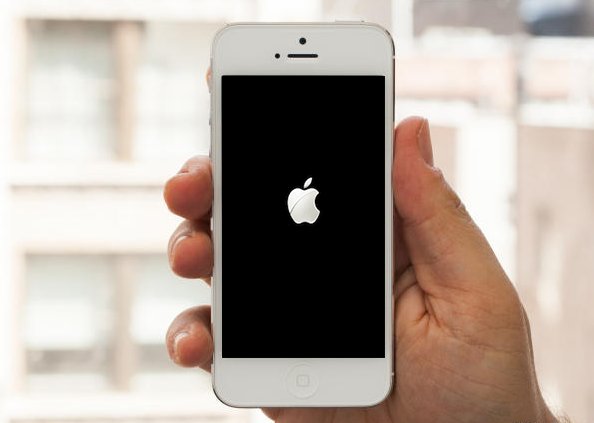
- First you to power off your device by holding down power and home/Touch ID buttons.
- Now turn on your device normally by holding down the power button.
- When you see theApple logo on the screen, press volume up/down buttons.
- Repeat all these steps until you see you lock screen.
If this method also didn’t worked for you then the only thing you can do is in the next step.