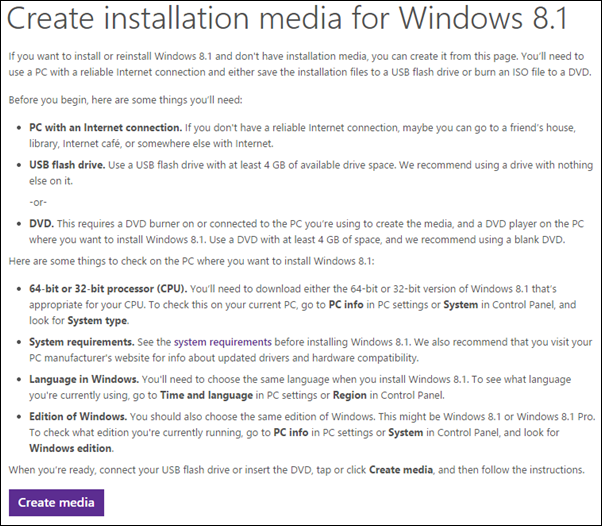
Until now most people believed that it is a hassle to get their hands on Windows 8/8.1 especially due to the product key factor. Good news is that Windows has silently released a tool that can solve if not all but many issues regarding this.The tool that Windows has introduced is called Windows Installation Media Creation Tool. What this tool does is simple; it let’s you create an ISO copy or a bootable USB stick to install Windows on your PC. In the following guide i’ll tell you how to download Windows 8.1 Pro ISO File Legally Without Product Key
- Using the Windows tool, Windows Installation Media Creation Tool, I will show you how you can Download Windows 8/8.1 on your PC without Product Key. The guide is to Download and Install Windows 8/8.1 ISO file legally and you will not require Product key for this.
- To begin with, you will have to download the app. Click on ‘Create Media’ to automatically begin download.
- Once the app has been downloaded and installed, Run the app.
- Choose your Language as well as the version of Windows that you want to install and architecture.
Next, you will get two options to choose from; You can either choose to save in ISO for later use or to a USB stick. The USB stick is set as default. - Note: Use an empty USB or backup your data before hand as everything on the USB will be erased during this process.
- Now the Windows will get downloaded in the USB stick. During this process, the USB stick will be converted into bootable USB.