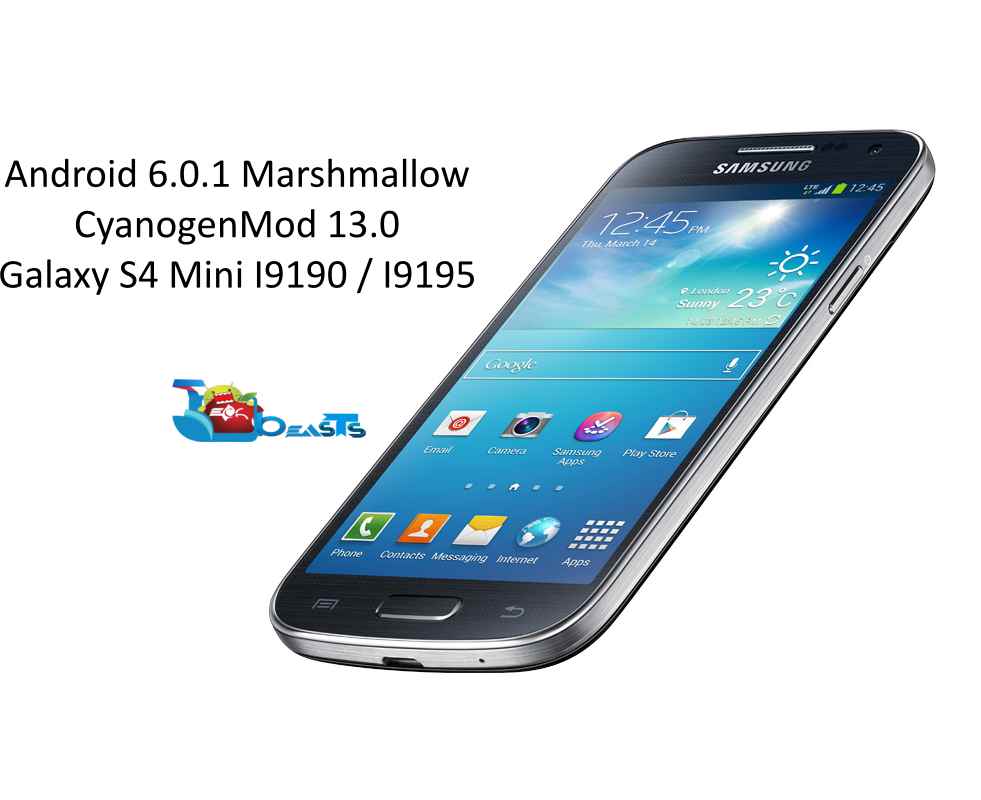
Galaxy S4 Mini’s software updates ended on Android KitKat. The device won’t be getting any further version of Android. Just in case you wish to update your device to a higher version of Android, the only way to do so might be the use of a nice custom ROM. Work on the custom ROMs based on Android Marshmallow just started off. Many of the users are keeping their eyes on the Android 6.0.1 Marshmallow based on CyanogenMod 13 for their devices. Galaxy S4 Mini happens to be one of the luckiest devices to join the league of CyanogenMod 13. We’ve already posted a guide on how to update your Galaxy S4 Mini to Android 5.1.1 Lollipop, now is the time for Android 6.0.1 Marshmallow.
You will learn to install Android 6.0.1 Marshmallow CyanogenMod 13 on your Galaxy S4 Mini GT-I9190 and GT-I9195 in the succeeding guide. Before we head towards the installation instructions, it may be kept in mind that this is a custom ROM and it’s supposed to carry quite many bugs until it receives a stability build. Flashing custom ROMs is recommended for Android power users only. If you’re not confident enough to handle a mishap occurring after flashing a custom ROM, you may avoid flashing it. The ROM we are going to flash may not be good enough to use as a daily driver so make sure that you’re proceeding after embracing all the risks involved in the pre and post-flashing process.
Early preparations
DISCLAIMER: IN CASE SOMETHING GOES WRONG, OR YOUR DEVICE MESSES UP, WE OR THE DEVICE MANUFACTURERS MAY NOT BE HELD RESPONSIBLE. CUSTOM PROCESS INVOLVE A HIGH RISK, SO MAKE SURE THAT WHAT EVERY YOU’RE DOING, YOU’RE TAKING FULL RESPONSIBILITY FOR THAT AND YOU’RE WELL AWARE OF THE PROCEDURES.
The first boot may take up to 10 minute so hold on while your device complete boots up. In case the newly installed OS doesn’t satisfy you, you can immediately flash the Nandroid backup to restore your previous firmware with all the data. In case you haven’t created a Nandroid backup, you may want to flash a stock firmware on your Samsung Galaxy S4 Mini.
Just in case you’re stuck with anything, feel free to reach us out through the comment or through our contact us page.
This post was last modified on January 16, 2016 9:58 pm
Apple's Worldwide Developers Conference introduced major updates across its operating systems. Highlights include the visual…
Nintendo’s long-awaited Switch 2 is finally here — and it’s more than just a prettier…
Snapchat is a popular social sharing platform so when something goes wrong it can be…
Android 12 Compatibility Definition Document (CDD) calls for device manufacturers to specify the performance classes…
New features in Telegram Beta 8.0.0 for Android include group video chat 2.0, live video…
Download the Blackout Bingo app on your PC. With a competitive twist to the classic…
This website uses cookies to provide you up-to-the-mark services.
View Comments
I'm sorry, I'm a noob here. When I click the "http://download.cyanogenmod.org/get/jenkins/144611/cm-13.0-20160116-NIGHTLY-serrano3gxx.zip" it always says "OVER QUOTA" What should I do?
why it always says "OVER QUOTA"?