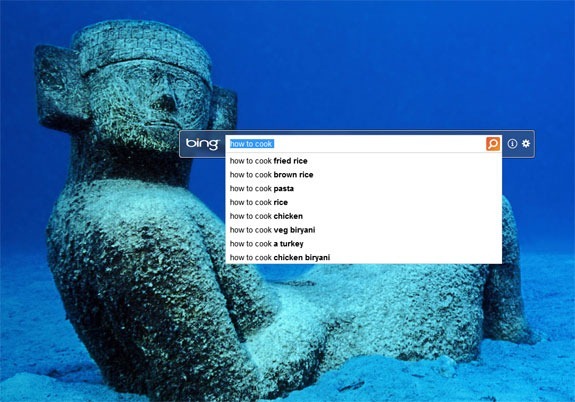
In the following post, I’ll tell you how you can set Bing images as your Desktop Wallpaper. Whenever you open Bing you see a different Wallpapers in the background, I like the Wallpapers set by Bing developers. Let’s start the method to set Bing images as Desktop Wallpapers.
How to Set Bing Images as your Desktop Wallpaper:
Step1: First you have download Bing Desktop App.
Step2: Now install the App on your Windows PC or Laptop.
Step3: Once the installation is done, double click on the App to launch it.
Step4: Now when you launch the app you’ll see a pop with following options.

- Make the Bing HomePage image your desktop background.
- Set homepage to MSN.
- Set Bing as my default search provider.
Step5: Choose the first option and if you like to set Bing as your default search engine instead of Google you can check other options as well.