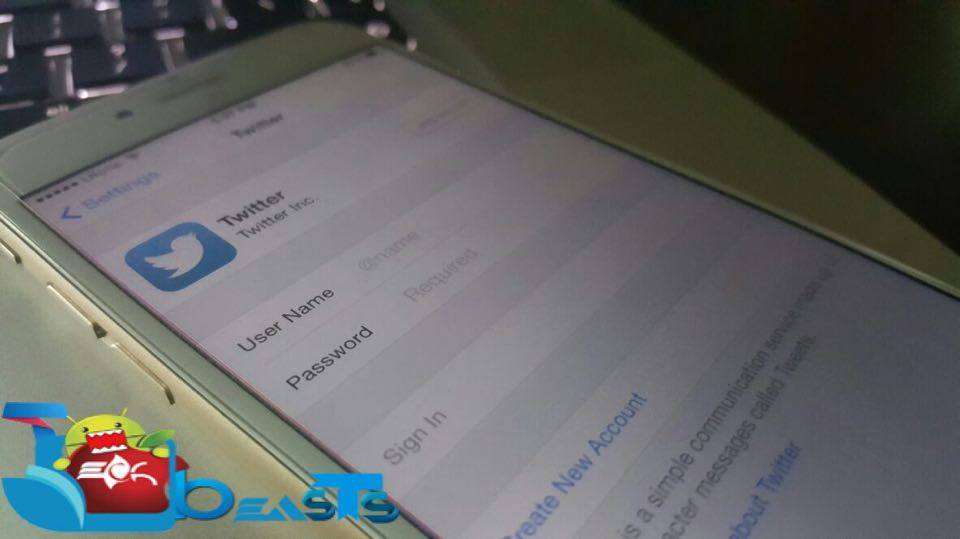
Twitter may be not like Facebook but it’s used more than Facebook, today I’ll tell you how to add and delete Twitter Account On iPhone / iPad. Good thing is that you can use multiple twitter accounts on iPhone and iPad. Now let’s start the method to Add & Delete Twitter Account On iPhone / iPad.
How to Add & Delete Twitter Account On iPhone / iPad:
Add Twitter Account:
- Open Settings on your iPhone.
- Scroll down and Tap on Twitter.
- Tap on Add Account.
- Type the “User Name” and “Password“, then tap “Sign In“.
Method 2:
- Download and install Twitter app.
- Open Twitter app and tap on Me -> Accounts button.
- Tap on + sign at the bottom.
- Type the “Username” and “Password”, Tap Sign In.
Delete Twitter Account:
- Open Settings on your iPhone.
- Scroll down and Tap on Twitter.
- Select the account you want to delete.
- Tap “Delete Account“.
Method 2:
- Open Twitter app.
- Tap on Gear icon.
- Tap on Sign Out.
That’s all for now, Please keep visiting Techbeasts for more interesting guides and tips. If you found this guide helpful please share it with your friends.